
Meetings are held in series — the weekly progress meeting, the monthly design team meeting — and each occurrence is numbered within its series, which is what makes "as agreed at progress meeting 14" a reference somebody can find.
This topic includes:
Create a series
Create the series first — a name and a description — then add meetings to it. A meeting can exist outside a series, but numbering and the "what was agreed last time" thread come from the series.
Add a meeting
- Click Create meeting.
- Choose the series. The next number is filled in for you.
- Set the date, the start and end times, and the location or video link.
- Save.
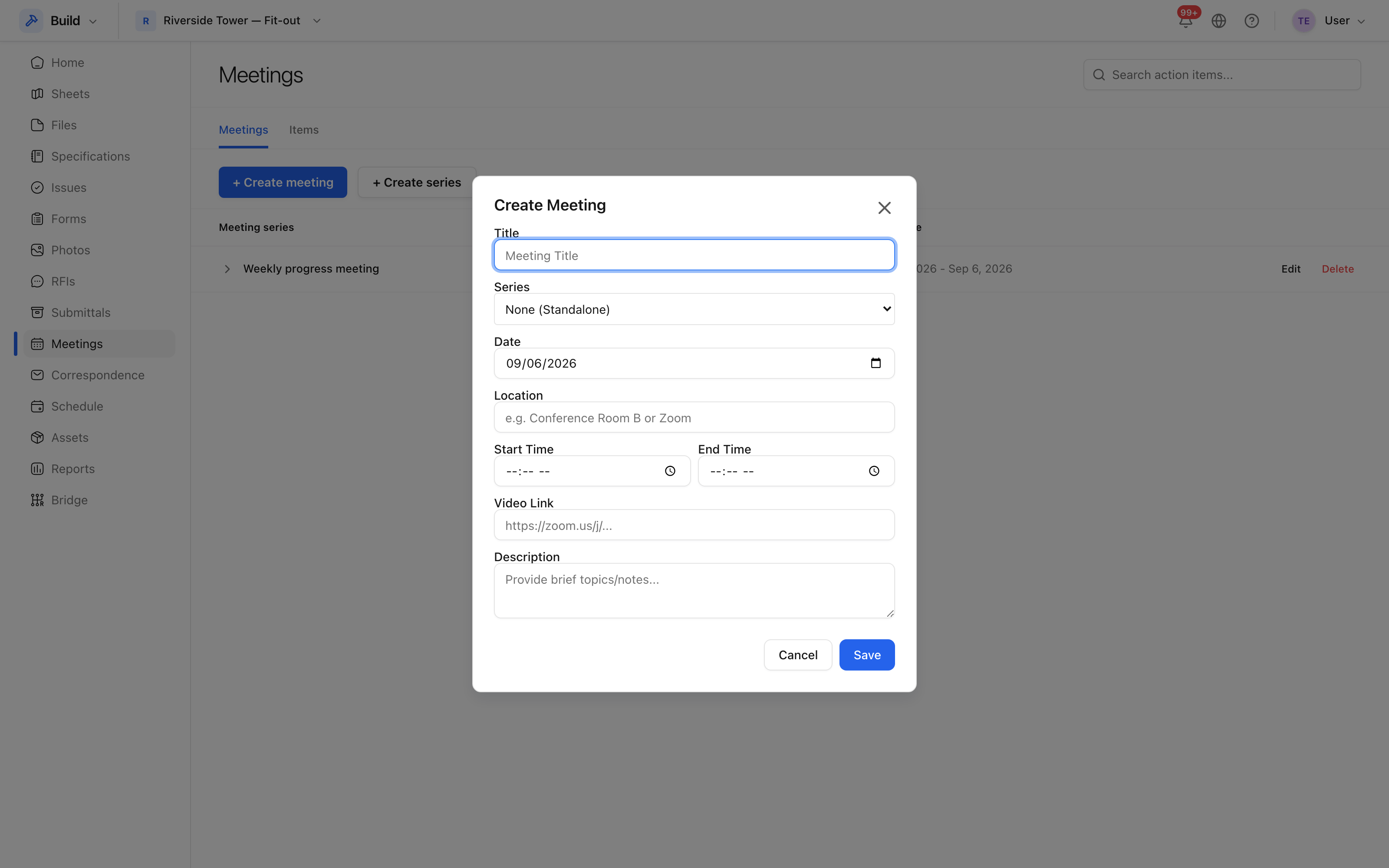 Series, number, date, time and place.
The form refuses an end time before the start time, and a meeting with no date, rather than saving something that cannot be attended.
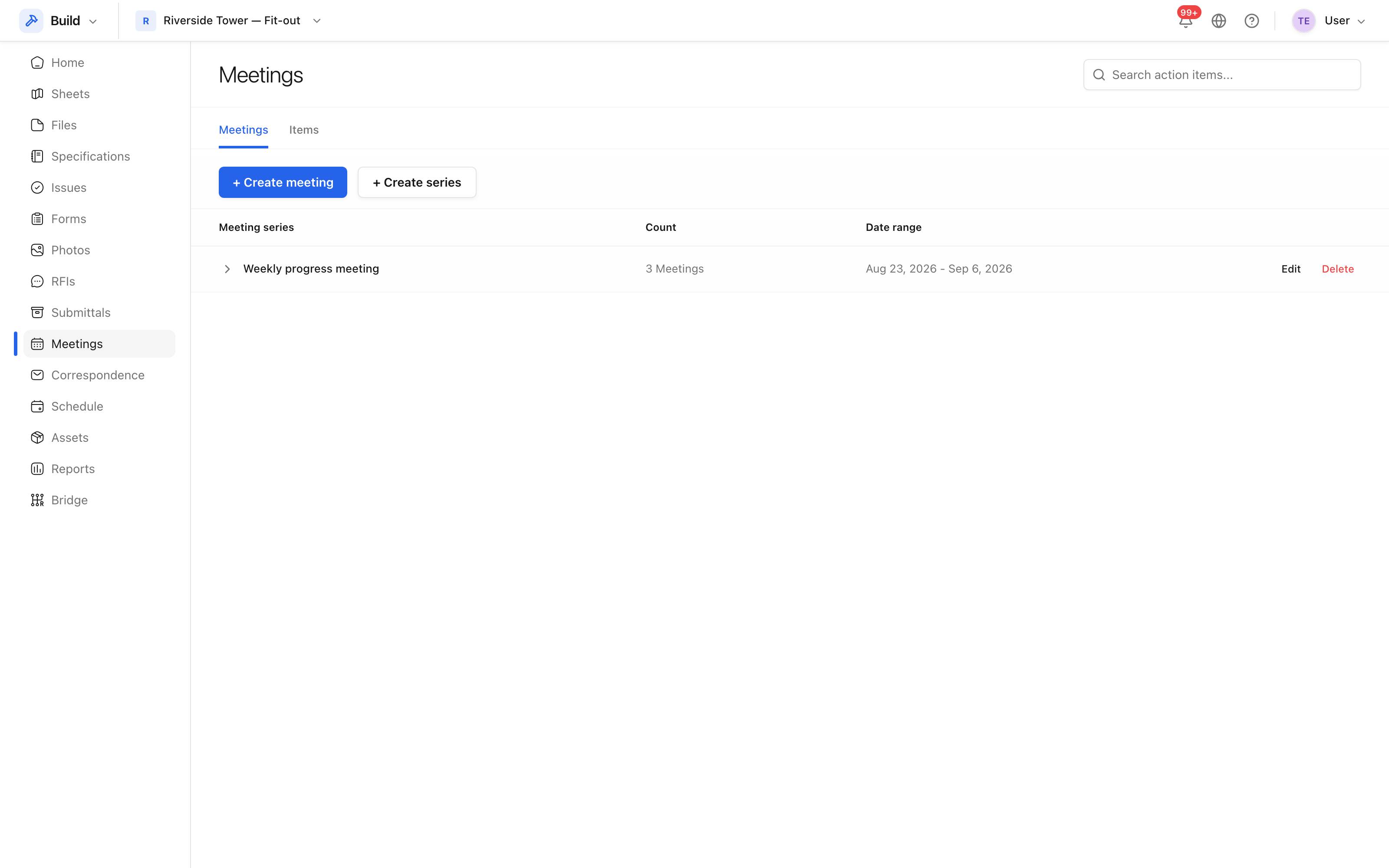 Meetings in the project, newest first, with their status.
Invitees
Add invitees from the project team. They are who the minutes are issued to, and who is offered as an owner when an action is agreed.
Follow-up meetings
Follow-up meeting creates the next occurrence in the series and carries the open items forward, so an action that was not done does not quietly fall out of the minutes.