
This topic includes:
Invite people to a project
- Open Project Admin → Members.
- Click Add members.
- Paste one or more email addresses into Enter or copy and paste email addresses.
- Choose a Project Role.
- Click Add.
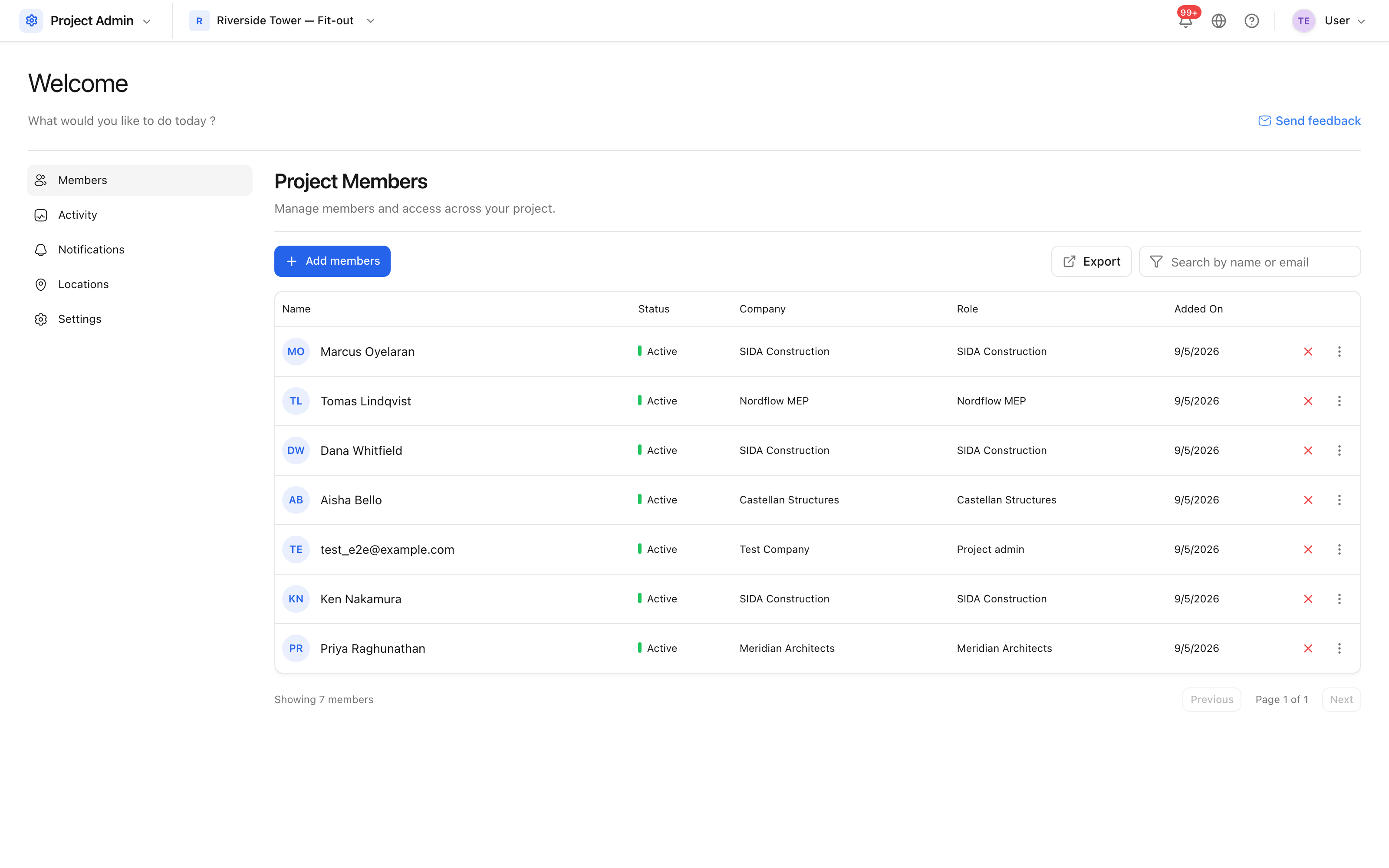 Members, with the role and company each one holds on this project.
People who do not yet have an account are invited by email; people who do are added straight away. Either way they are notified that they are on the project.
Why a role is required
Add stays disabled until a role is chosen, and this is deliberate. A role grants permissions, so it is a decision rather than a default — silently assigning whichever role happens to sort first is how somebody ends up with access nobody intended.
A member's company comes from their own profile, not from the invitation.