
Forms are the checklists, permits and records a site fills in repeatedly: the daily site check, the pour record, the permit to work. You build the template once; the site fills in a copy of it each time.
This topic includes:
Templates and filled forms
Two tabs, and the difference between them matters:
| Tab | Holds |
|---|---|
| Templates | The blank forms — the questions, in order, grouped into sections |
| Filled forms | Each time somebody completed one, with their answers |
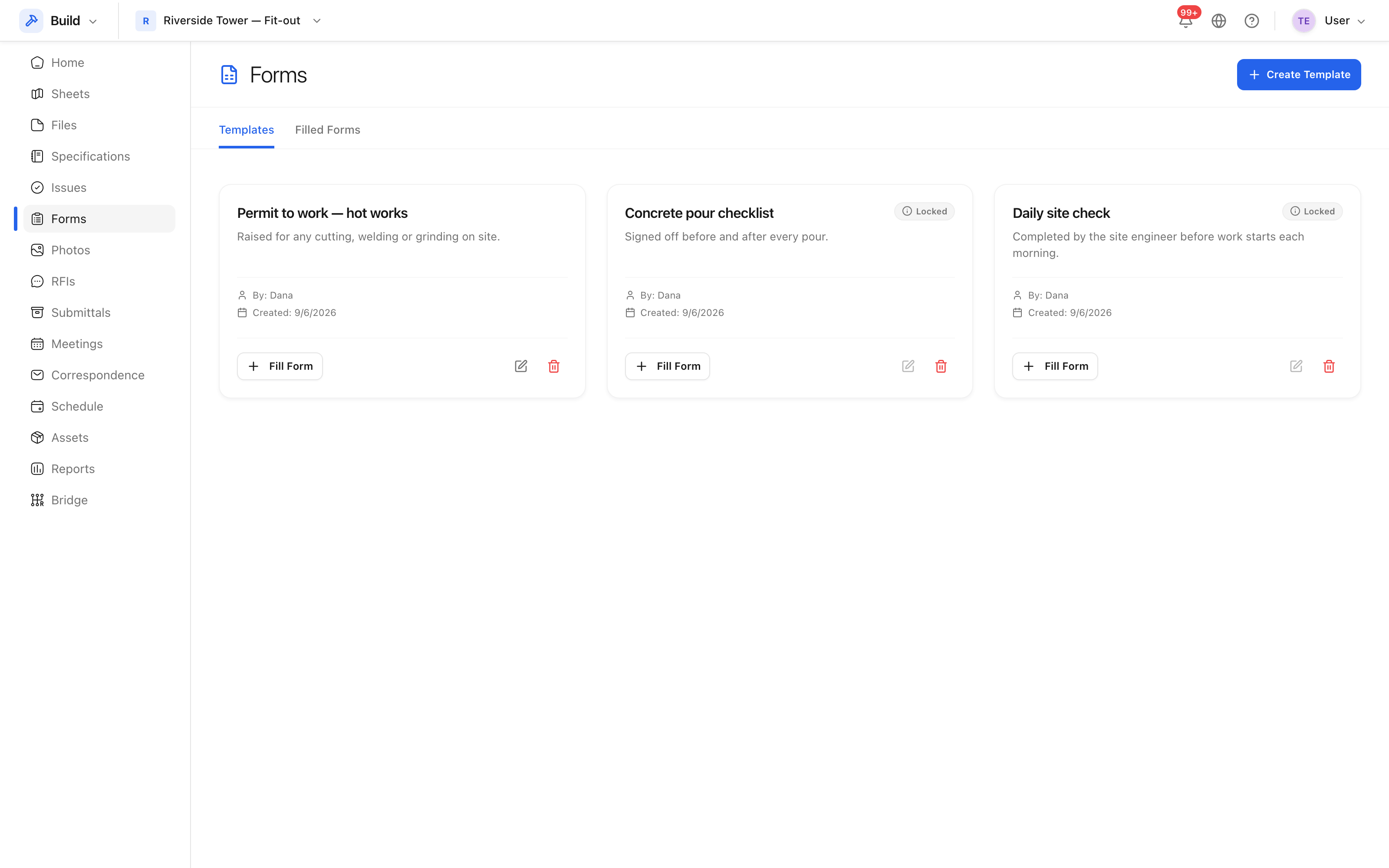 Templates in the project, with what each one is for.
A template is edited by whoever administers the project; a filled form is created by whoever is doing the check.
When to use a form rather than an issue
- A form records that something was checked, whatever the answer.
- An issue records that something is wrong and has to be put right.
The daily site check is a form. The cracked column the check found is an issue. Trying to run either through the other tool is where the record goes bad.
What is kept
Every filled form keeps its answers, who submitted it and when, and which template it came from — including which version of the template, so an old record still reads correctly after the template is changed.