
Notifications tell people what has happened without them having to look. Every notification can reach four places — the in-app feed, email, SMS and a mobile push — and each person controls which.
This topic includes:
The bell
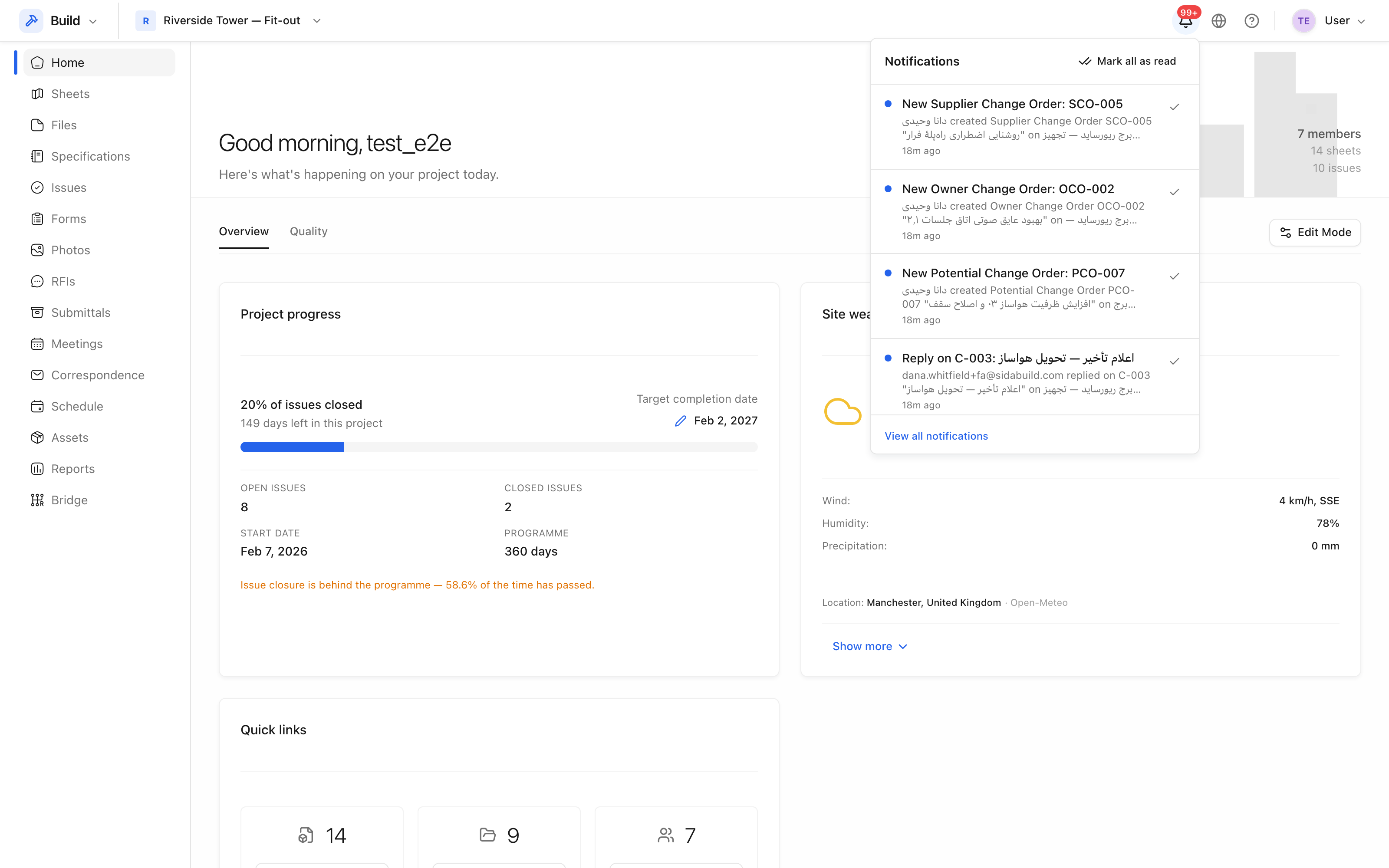 The bell carries the unread count. Each row links to the record it is about.
Mark one as read with the tick, or all of them with Mark all as read. View all notifications opens the full list.
Who is told about what
Notifications follow from involvement, not from broadcast:
- The person assigned something is told.
- Watchers on an issue are told when it changes.
- The ball-in-court on an RFI is told when it lands with them.
- An RFI type's distribution list is kept informed as it progresses.
- Notification groups widen the audience deliberately — see Notification groups.
You are never notified about your own action. Creating an issue does not send you a notification saying an issue was created.
Your own preferences
Under Settings, each person chooses whether they receive email, SMS and push at all, and can mute low-priority notifications entirely. These choices are yours and cannot be overridden by a project setting or by being added to a group.