
Correspondence is the formal traffic of a project — letters, notices, instructions — kept as threads so a reply sits with the letter it answers.
This topic includes:
Start a thread
- Open Correspondence and click New.
- Give it a subject that says what it is about. This is the line people will search for in a year's time.
- Choose the type, set the priority, and add the participants.
- Write the first message and send.
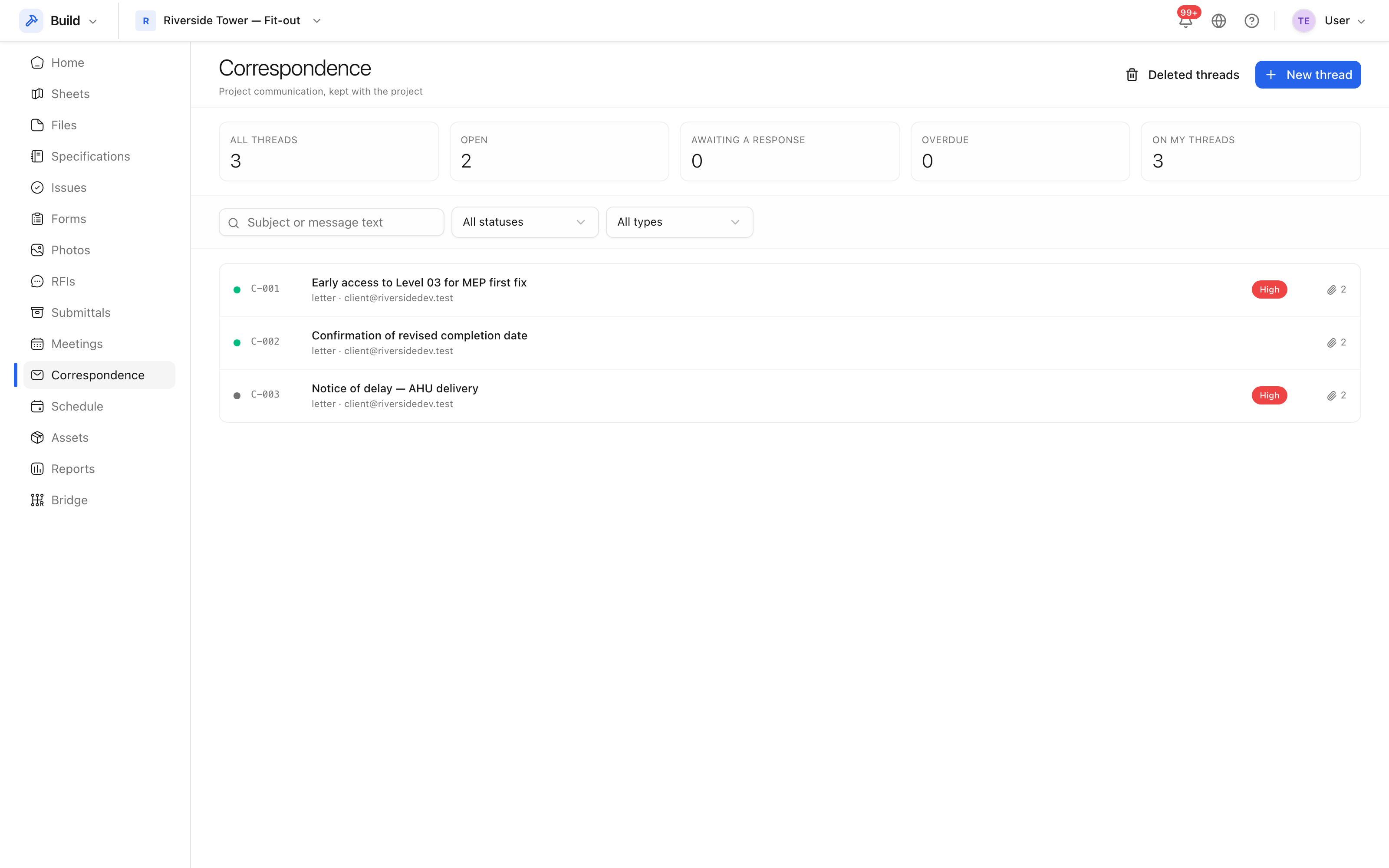 Threads with their type, status, priority and who is on them.
Reply to one
Open the thread and reply at the bottom. Replies stay in order under the original, which is what makes the exchange readable months later.
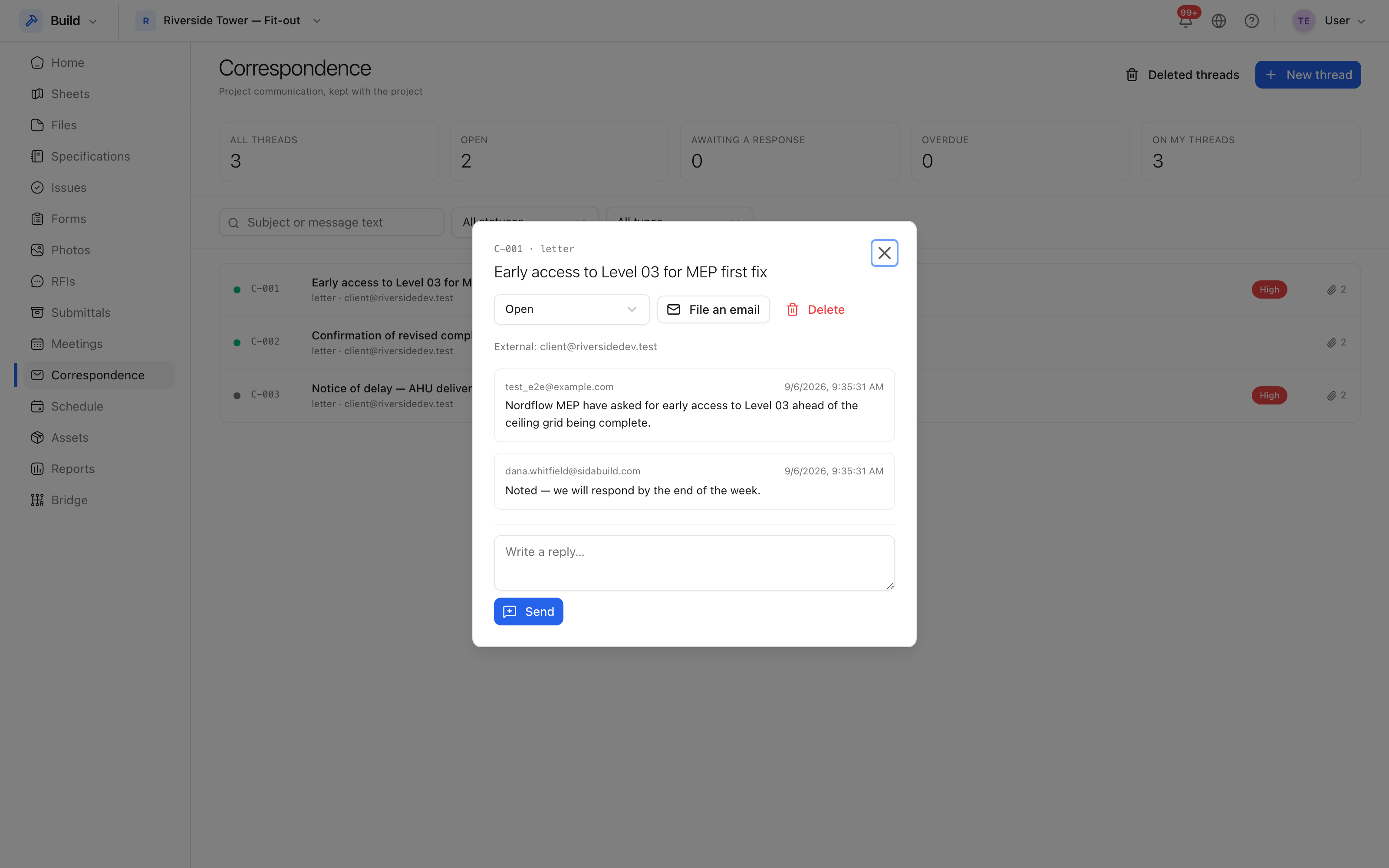 The whole exchange in one place, oldest first.
File correspondence that came in elsewhere
Not every letter arrives through the product. Where one came by email or on paper, file it: record who it was from, who it was to, the date it was received and the body, so the project record is complete rather than half in an inbox.
Attachments
Attach the signed letter, the drawing it refers to, or the photograph it relies on. An attachment is stored with the message rather than with the thread, so it stays with the point in the exchange it belongs to.
Tip: a formal notice — a delay notice, an instruction — is worth its own thread rather than a reply inside another one. Threads are how the project is searched, and a notice buried in a reply is a notice nobody finds.