
A template is a list of questions, grouped into sections, in the order somebody walking the site would answer them.
This topic includes:
Create the template
- Open Forms and click Create template.
- Give it a title — "Daily site check", "Permit to work — hot works".
- Add a short description saying who fills it in and when.
- Save, then add the sections.
 Sections down the form, with the questions inside each one.
Sections and questions
Add section creates a heading; Add question puts a question under it. Sections should follow the order of the walk — site conditions, then workforce, then plant — because a form that jumps around gets filled in wrongly.
Mark a question required when the form is worthless without it. Required questions block submission until they are answered, which is the point, but a form where everything is required is a form people abandon halfway.
Question types
| Type | Answer |
|---|---|
| Text | Free text — notes, descriptions, remarks |
| Number | A figure — people on site, volume placed, extinguishers in place |
| Date | A date — when the pour happened, when the permit expires |
| Dropdown select | One of a list you define — Yes / No / Partly |
Prefer a dropdown to free text wherever the answers are known in advance. Three options you chose can be counted; three hundred typed answers cannot.
Editing a template that is in use
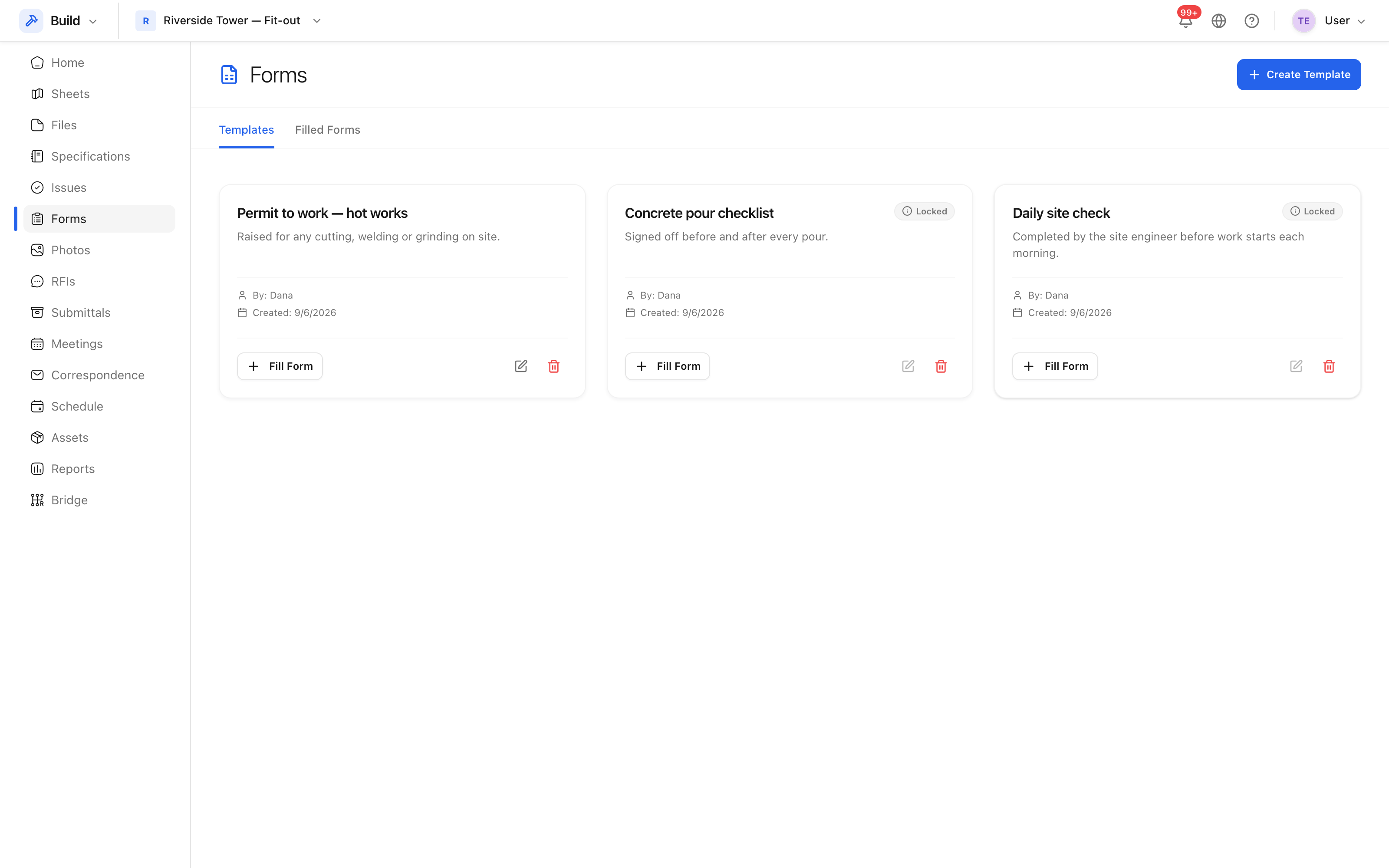
A template with submitted forms against it is marked Locked, and its questions cannot be changed: rewriting the questions under an existing record would rewrite history. Create a new template — "Daily site check 2026" — and retire the old one.