
Filling in a form creates a record: a copy of the template with this occasion's answers, this person's name and this moment's timestamp on it.
This topic includes:
Start a form
- Open Forms and find the template.
- Click Fill form on its card.
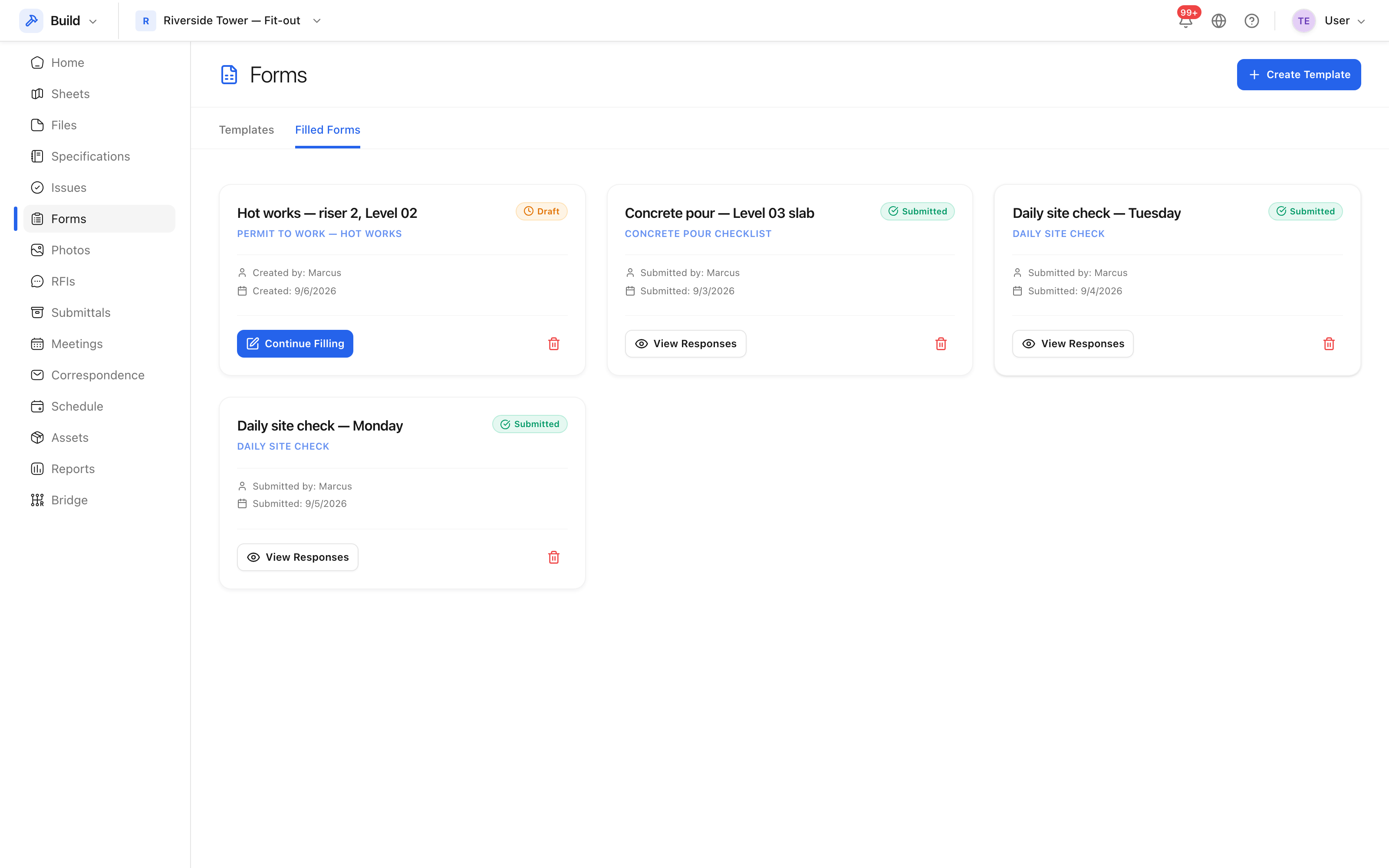
- Give the record a title that says which occasion it is: "Daily site check — Monday", "Concrete pour — Level 03 slab". This is what the register is read by, so a title of "Daily site check" repeated forty times helps nobody.
- Click Create and start filling.
 The questions, in their sections, with the answers recorded against them.
Save a draft
Save draft keeps what you have entered without submitting. Use it when a check is interrupted, or when a question cannot be answered until a test result comes back. Drafts are visible in the filled forms list, marked as drafts, and can be picked up later with Continue filling.
Submit it
Submit closes the record. Required questions must be answered first — the form says which one is missing rather than failing silently.
Once submitted, a form is a record of what was found at that time. Treat it as you would a signed paper checklist: if something was wrong, the fix is a new form and, where work is needed, an issue — not a quiet edit of yesterday's answers.
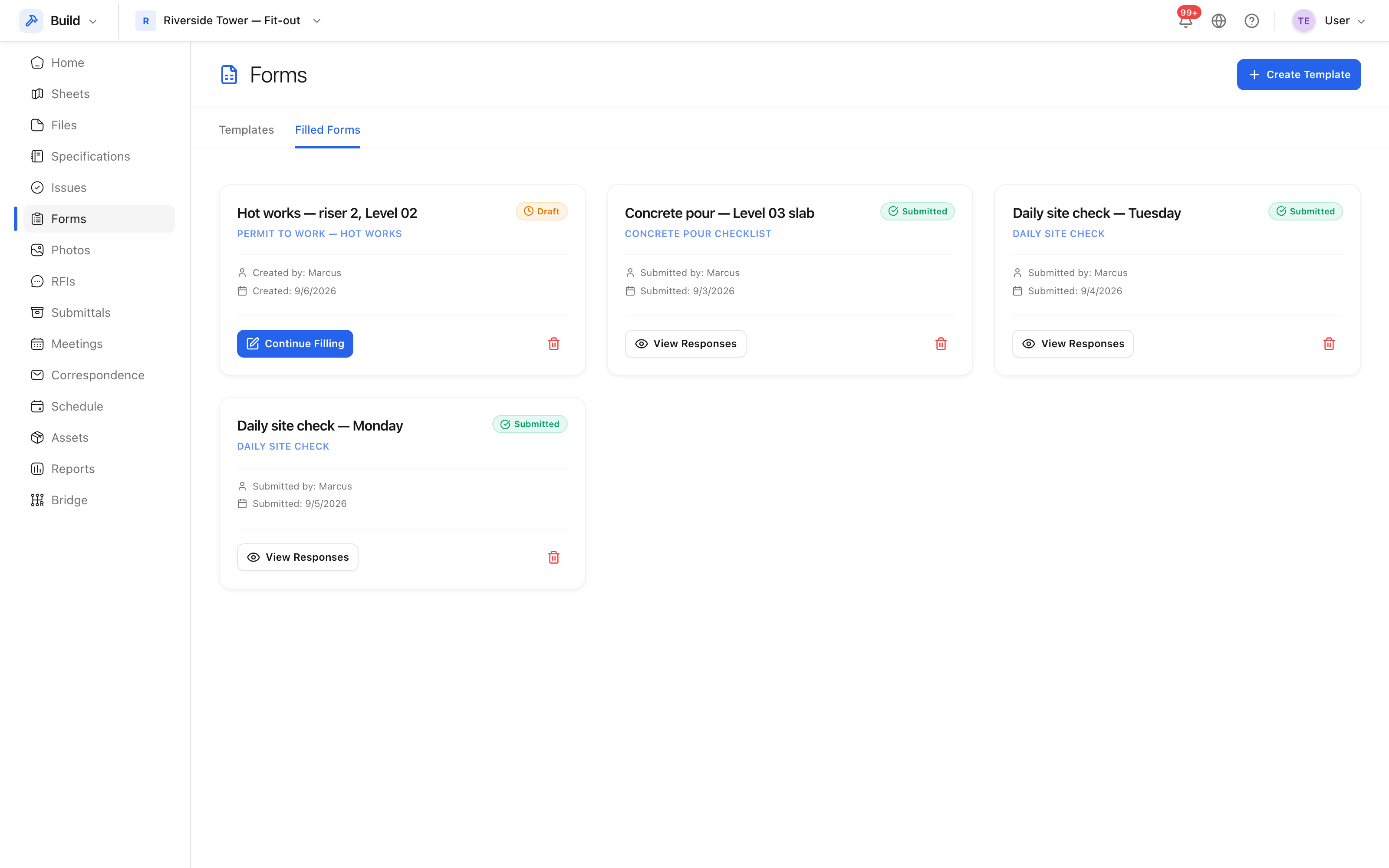 Every completed form, with its status and who submitted it.