
The location breakdown is the building written down as a tree: buildings, then levels, then rooms and zones. Every other tool filters by it, so it is worth an hour before the job starts.
This topic includes:
Build the tree
- Open Projects → Locations.
- Add a root — usually a building or a block.
- Add levels under it, and rooms or zones under those.
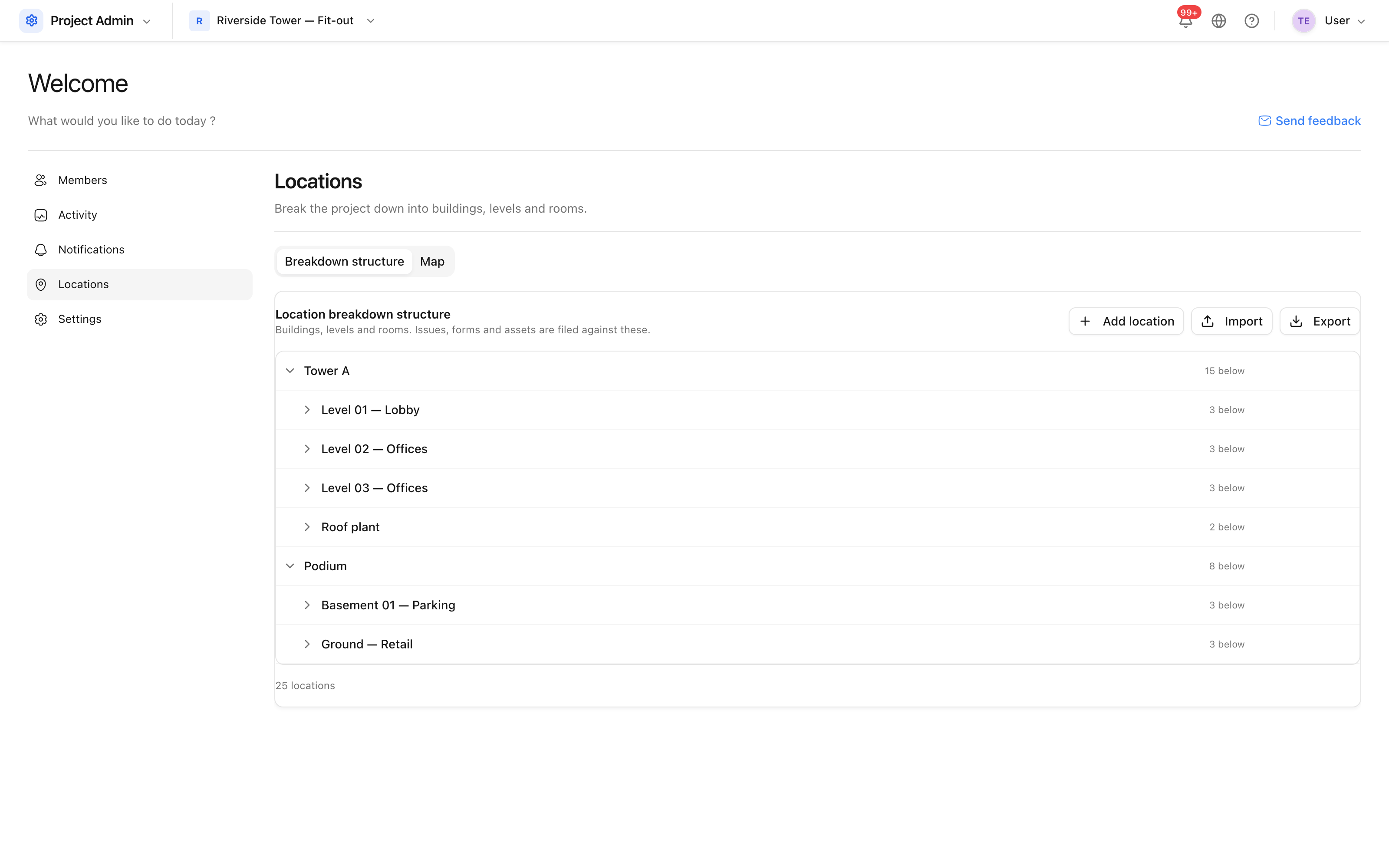 Buildings, levels and rooms, as a tree.
Name locations the way the site says them out loud. "Level 02 — Offices" is found by somebody looking for it; "L2-OFF-ZONE-A" is found by whoever wrote it.
How deep to go
Three levels is usually right: building, level, room or zone. Deeper than that and nobody picks the right one from a dropdown on a phone in the rain; shallower and "Level 02" covers four thousand square metres of different problems.
Import a structure
Where the breakdown already exists — from a room schedule, say — import it rather than typing it. The tree is built from the indentation in the file.
Changing it later
Renaming a location is safe: everything pointing at it follows. Deleting one that is in use is not — issues and photos would lose their place. Rename or merge instead, and only delete branches that were never used.
Tip: do this before the first site walk. Photographs and issues collected against "no location" cannot be sorted out afterwards without opening each one.