
Site photography is only evidence if it can be found again. Albums, locations and tags are what make that possible.
This topic includes:
Upload photos
Open Photos and add the images. Several can be uploaded at once, and each one keeps its original file — what is shown on screen is a rendition, but what is stored is what came off the camera.
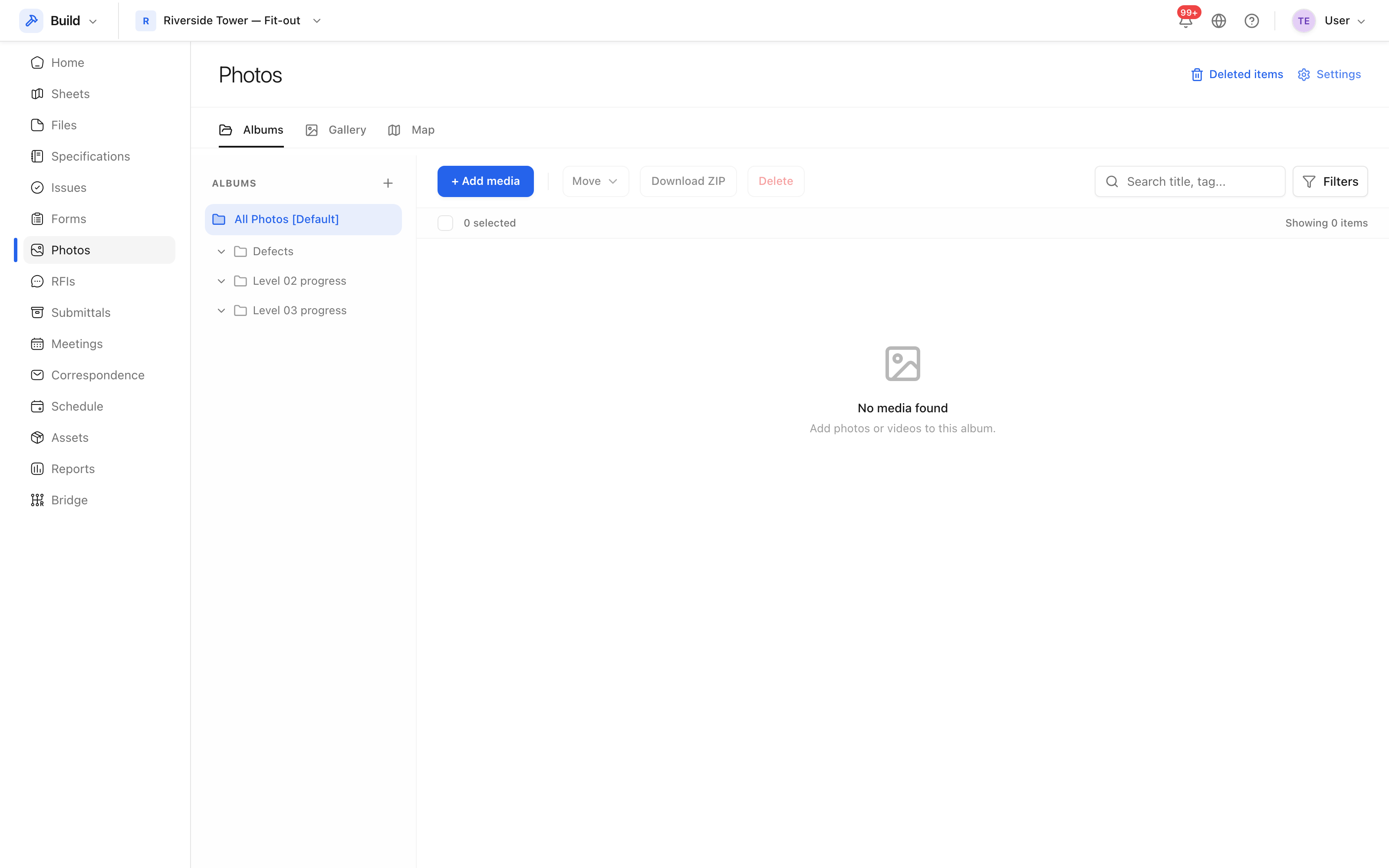 Photos in a grid, filtered by album, location and tag.
Albums
An album is a grouping you choose: by level, by trade, by week, or by purpose — "Defects" is a common one. A photo belongs to one album.
Keep album names in the language the team speaks and short enough to read in a filter list. "Level 02 progress" beats "Photographs of the second floor taken during the fit-out".
Locations and tags
The location comes from the project's location breakdown, so a photo can be
found by the room it was taken in. Tags are free text for everything else:
Partitions, Fire stopping, Defect.
The three combine: album, location and tag together answer "show me the defects photographed on Level 02 that are about fire stopping".
What is kept with the image
Each photo keeps who uploaded it and when, its album, location and tags, and the metadata from the file itself where the camera recorded any.
 The full-size image with everything recorded against it.
Deleted photos go to the recycle bin, so an accidental deletion during a tidy-up is recoverable.