
The bell in the top bar is the in-product half of notifications: everything you would have been emailed, waiting to be read.
This topic includes:
Read your notifications
Click the bell. The newest is at the top, and clicking one takes you to the thing it is about — the issue that was assigned to you, the RFI that was answered.
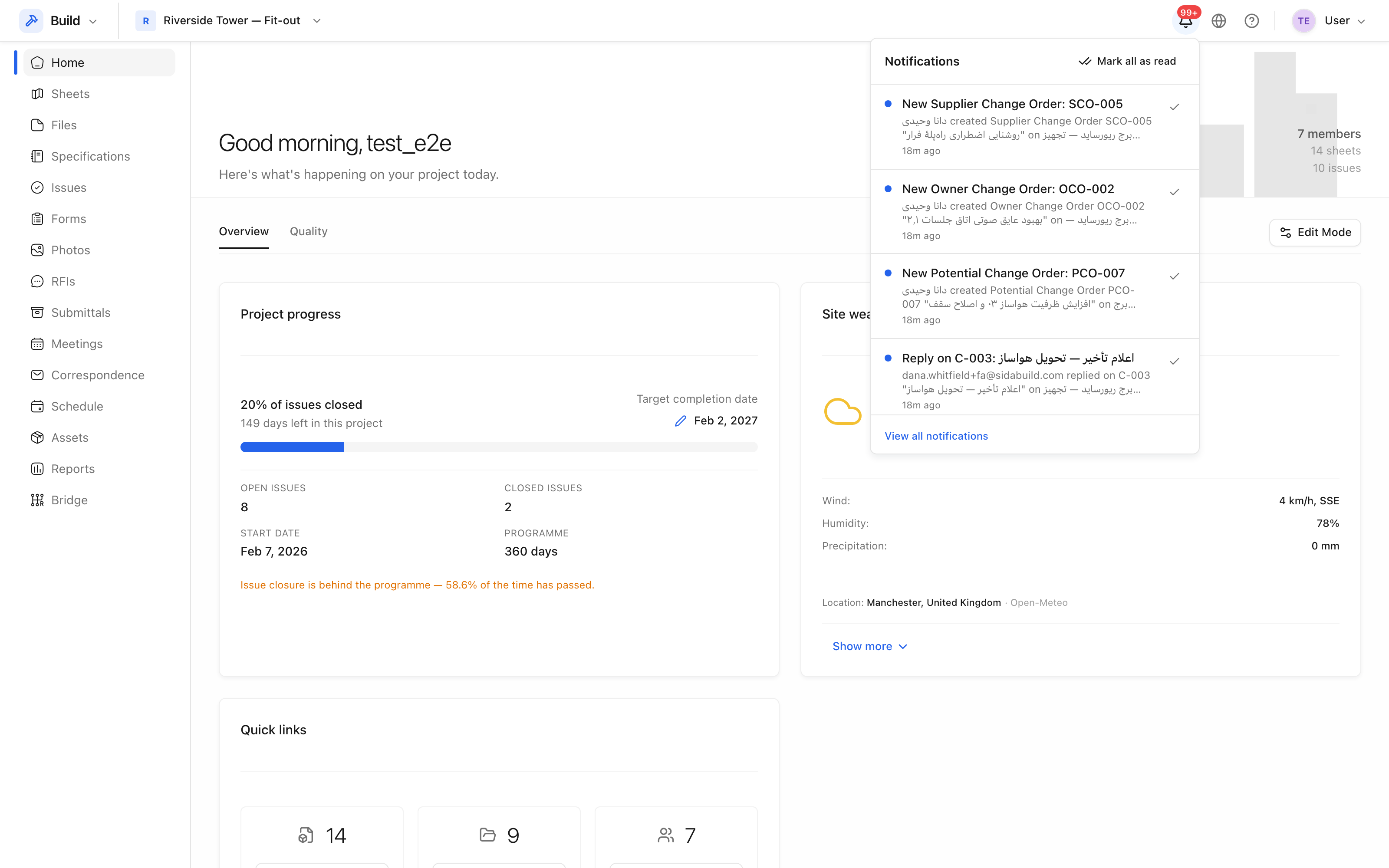 Recent notifications, newest first.
The unread count
The badge counts what you have not opened. It is capped in the display once it gets large, which is itself a signal: a permanently full bell means you are subscribed to more than you read, and the fix is in your notification settings, not in clearing the list.
Bell or email?
The bell always has everything. Email is a copy, sent according to the frequency you chose — immediately, hourly or daily. Somebody who works in the product all day is usually better off with digests and the bell; somebody who visits it twice a week wants the emails.
If the bell has items but no email arrived, the notification worked and the mail did not — see Nothing is arriving by email.