
A role is a named set of permissions. Projects hand out roles rather than individual permissions, so what somebody can do is decided once and applied consistently.
This topic includes:
Where roles live
Roles belong to the workspace, not to a project. Define "Site engineer" once and every project can hand it out, which is what stops the same job title meaning different things on two projects.
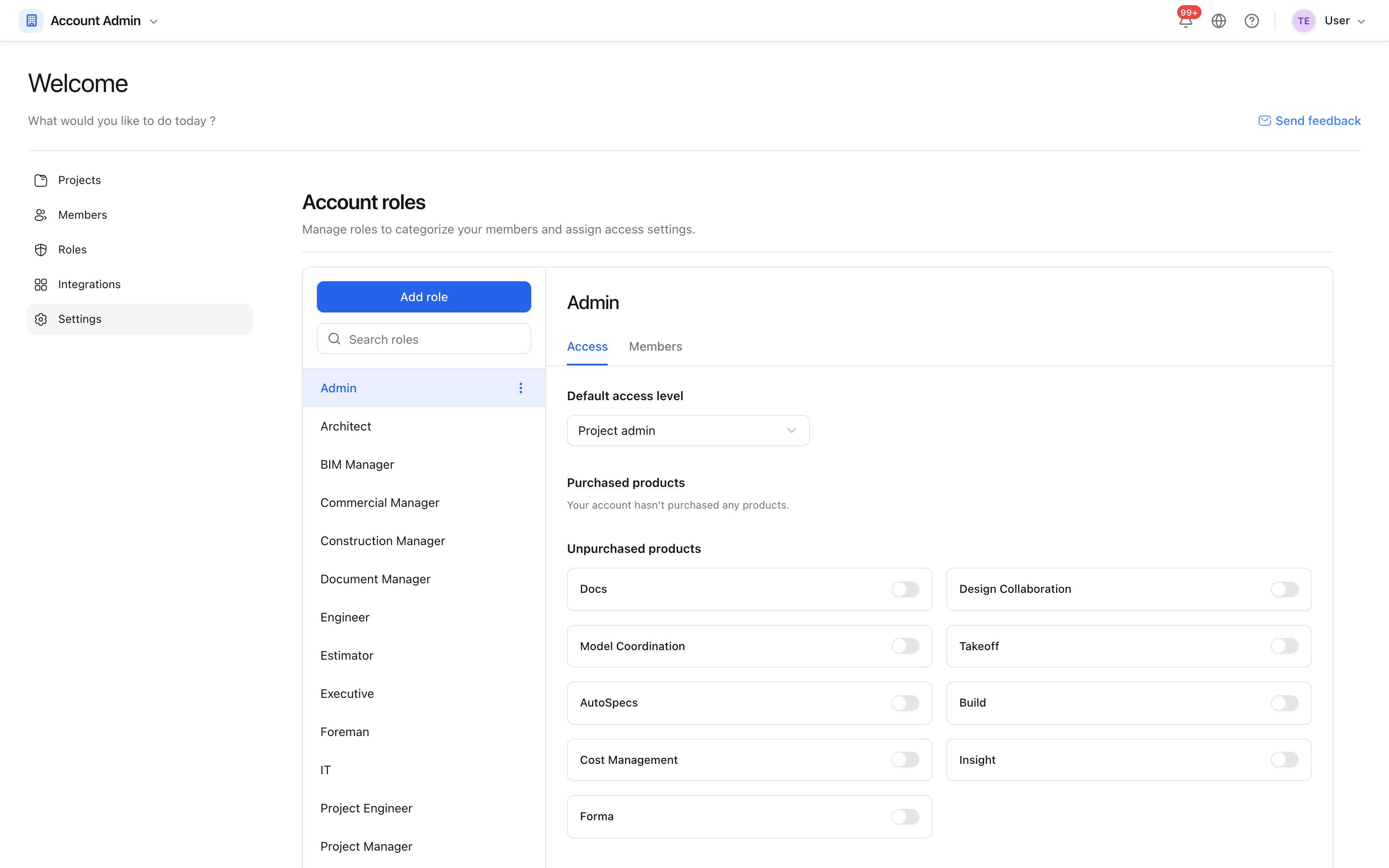 Roles defined for the workspace, ready to be assigned on any project.
Create a role
- Open Settings → Roles and click New role.
- Name it after the job, not the person: "Document controller", not "Dana".
- Set the permissions.
- Save.
Edit permissions
Permissions are set per tool, and each tool offers the same ladder: no access, read, and full access.
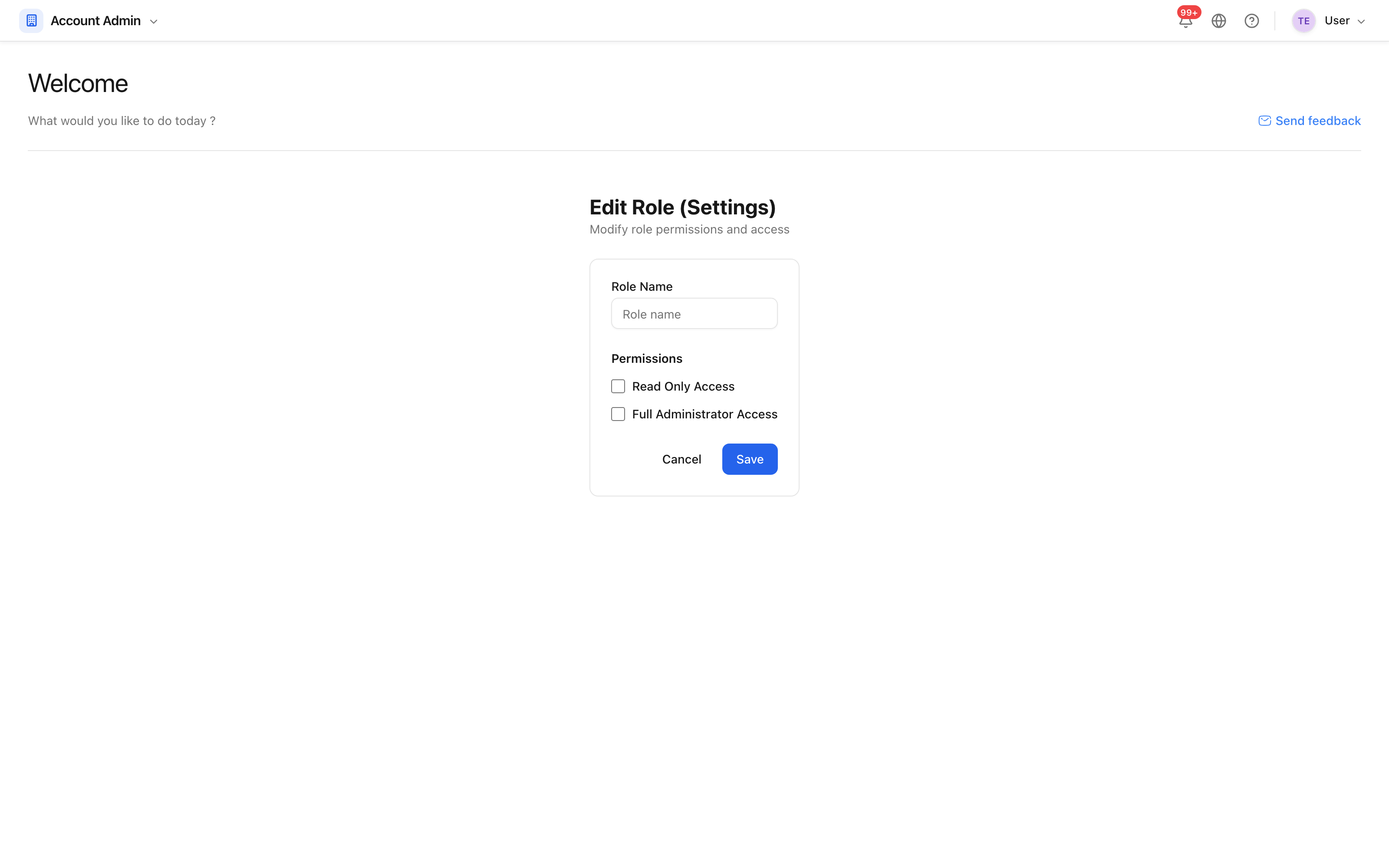 Each tool, and what this role can do in it.
Two shortcuts save time on a long list: read grants read on everything, and all grants full access on everything. Start from read and open up what the role genuinely needs, rather than starting from all and closing things down — the mistakes go the safer way round.
Changing a role changes what every member with that role can do, on every project, immediately.