
Notifications are decided in three places, and all three have to agree before an email is sent. Check them in this order.
This topic includes:
- 1. Is the project sending them?
- 2. Are you set to receive them?
- 3. Are you actually involved?
- Still nothing
1. Is the project sending them?
Projects → Notification settings decides, per tool, what the project sends at all. A tool switched off there sends nothing to anybody, however each person has set themselves up.
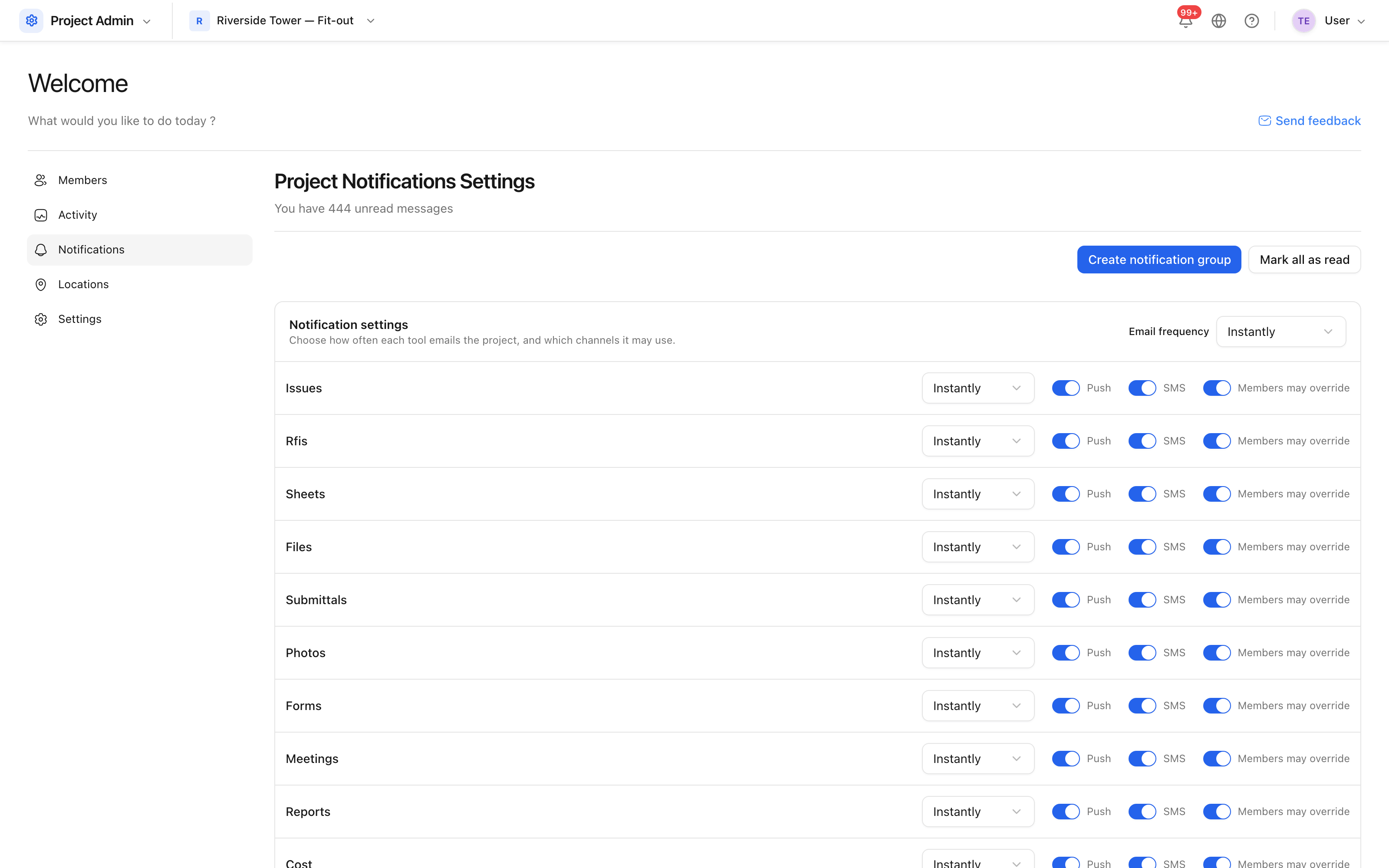 Per tool, what the project notifies on.
2. Are you set to receive them?
Settings → Notifications is your own preference: which tools you hear about, and how often — immediately, or in a digest.
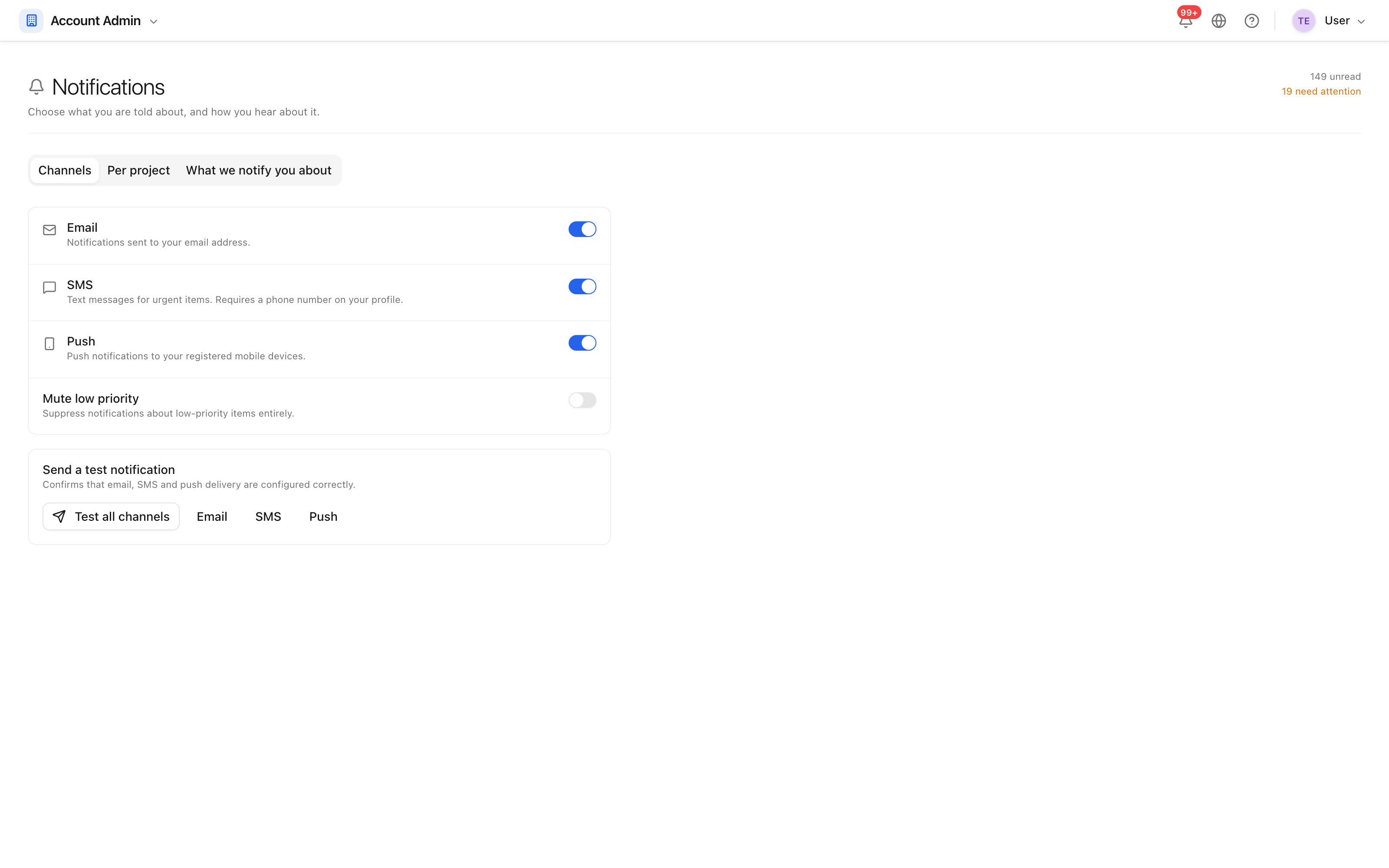 Your own settings, which apply across the projects you are on.
A frequency set to a daily digest is the usual explanation for "nothing arrived" at eleven in the morning.
3. Are you actually involved?
Notifications follow involvement, not membership. You hear about an issue because you raised it, are assigned it, or are watching it — not because you can see it. If you want to follow something you are not assigned, add yourself as a watcher.
Still nothing
- Check the bell in the top bar. If notifications are there but no email arrived, the problem is delivery, not the product.
- Check your spam folder, and ask whoever runs your mail to let the sending domain through.
- Confirm your email address is verified on your profile — unverified addresses are not sent to.