
Sections open in a reader alongside the register, so checking what the spec actually says does not mean scrolling a four-hundred-page PDF.
This topic includes:
Open a section
Click any row in the register.
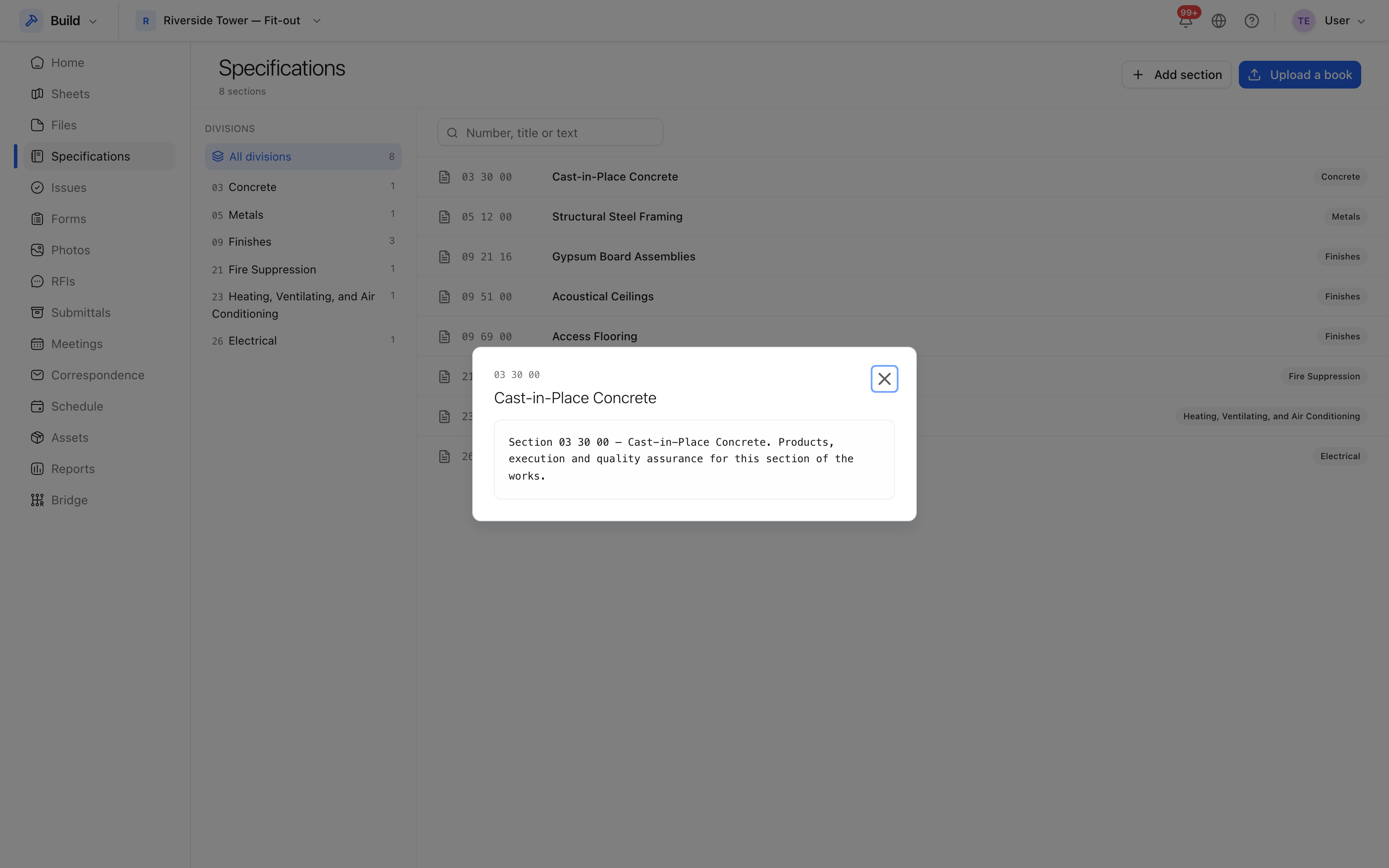 The section's text, with its number, title and page range in the original
book.
The section's text, with its number, title and page range in the original
book.
Open in the book switches to the source PDF at the same pages, which is what you want when a table or a detail has not survived being turned into text.
Search the text
The search box above the register matches the section number, its title
and its text. Searching firestopping finds the section that specifies it
even when the word is not in any heading — which is the usual case, and the
reason a specification is hard to use on site.
Divisions
Sections are grouped into divisions in the usual way — 03 Concrete, 09 Finishes, 23 HVAC — and the division filter narrows the register to one of them. Combined with the set filter, that is normally enough to get to a section in two clicks.
Use Clear filters if the register looks emptier than it should; a division left selected is the usual cause.