
Every submittal points at a specification section. That one link is what lets the project answer the questions worth asking.
This topic includes:
Why the link matters
Without it, a submittal register is a list of documents. With it, the register can answer:
- What is still outstanding against 09 21 16 Gypsum Board Assemblies?
- Has anything been submitted against a section that nobody has read yet?
- Which sections generate the most rejections?
Set or change the section
The section is chosen when the item is created and can be changed afterwards from the item itself. Changing it does not affect the review history — the revisions and responses stay with the item.
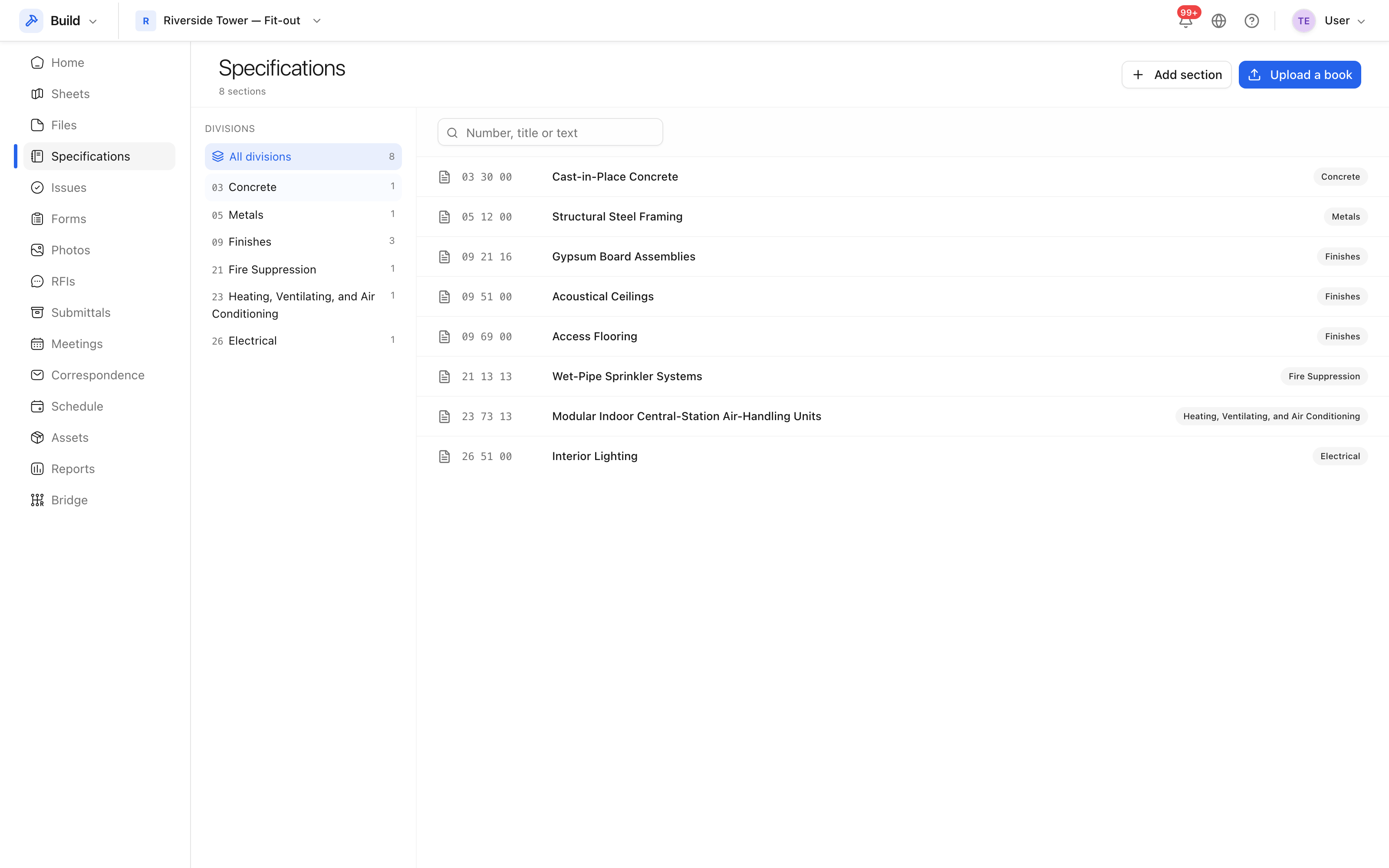 Sections are numbered as in the spec book, so the numbers you already use work
as identifiers.
Sections are numbered as in the spec book, so the numbers you already use work
as identifiers.
Reading the register by section
Filter the submittal register by spec section to get the position of everything that section requires. This is the list to take into a procurement meeting: it is organised the way the specification is written, which is how the design team will talk about it.
Tip: load the spec book before raising submittals, not after. The sections then exist to be pointed at, and the Required items can be created straight from what the spec asks for.