
A report that has to be remembered does not get produced. Scheduling one makes it arrive on its own.
This topic includes:
Schedule a report
Start from a saved template, add a schedule, and choose how often it runs — daily, weekly, monthly — and when. Each run produces a document and sends it to the recipients.
The commonest useful pair is a weekly open-issues report to the site team on Monday morning, and a monthly cost summary to the client after the valuation.
Recipients
Recipients are chosen from the project team, so a person who leaves the project stops receiving reports without anybody having to remember a mailing list. External recipients are added by address where somebody outside the project needs a copy.
Report settings
Project-level report settings control what every report on the project shows: the header, the logo, and which fields appear by default.
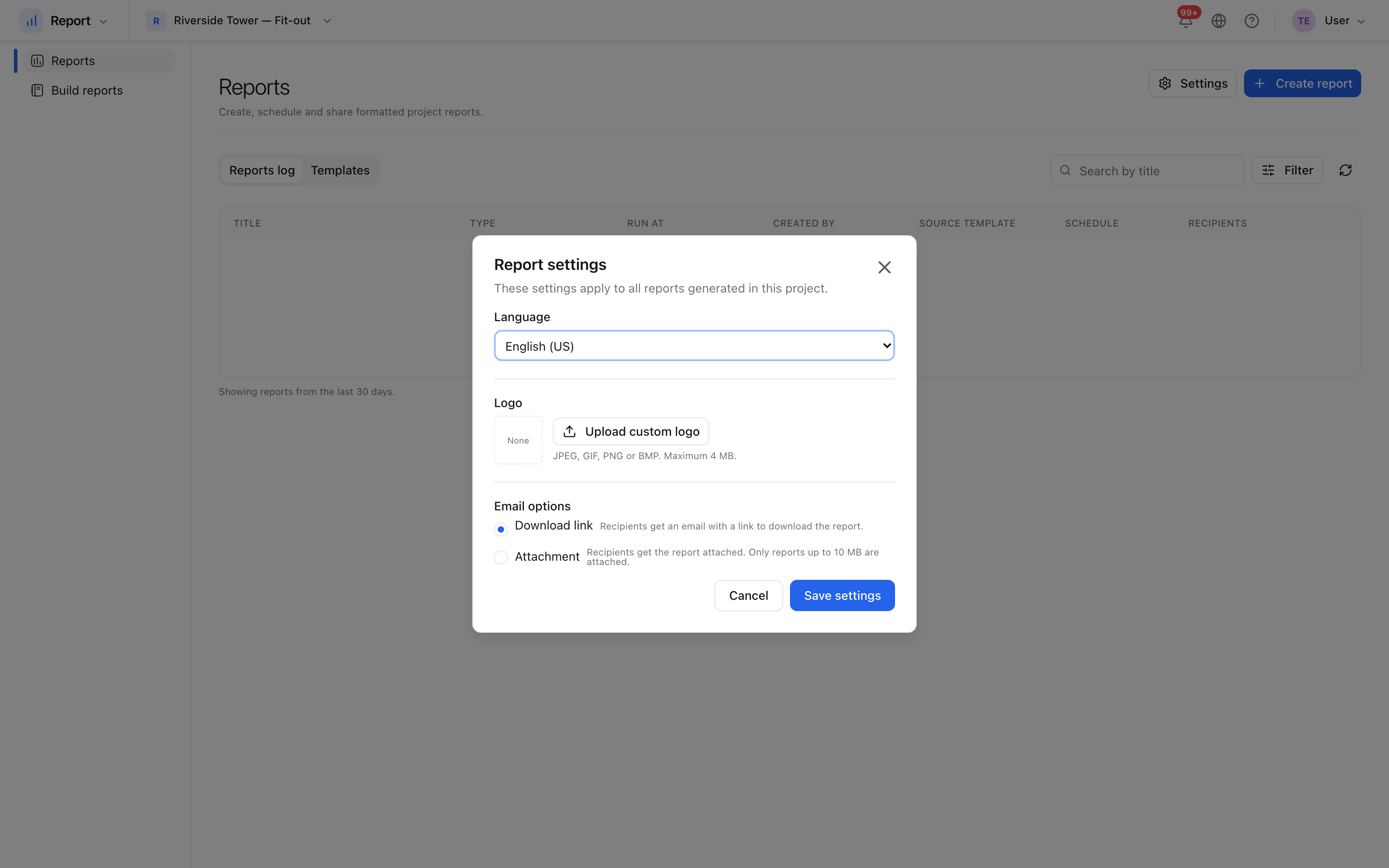 The defaults every report on this project starts from.
Setting these once is worth more than styling each report: it is what makes documents from your project look like they came from the same job.