
Reports produces the documents a project has to issue: a progress report, an issue summary, an RFI log. They can be produced on demand or on a schedule.
This topic includes:
On demand and scheduled
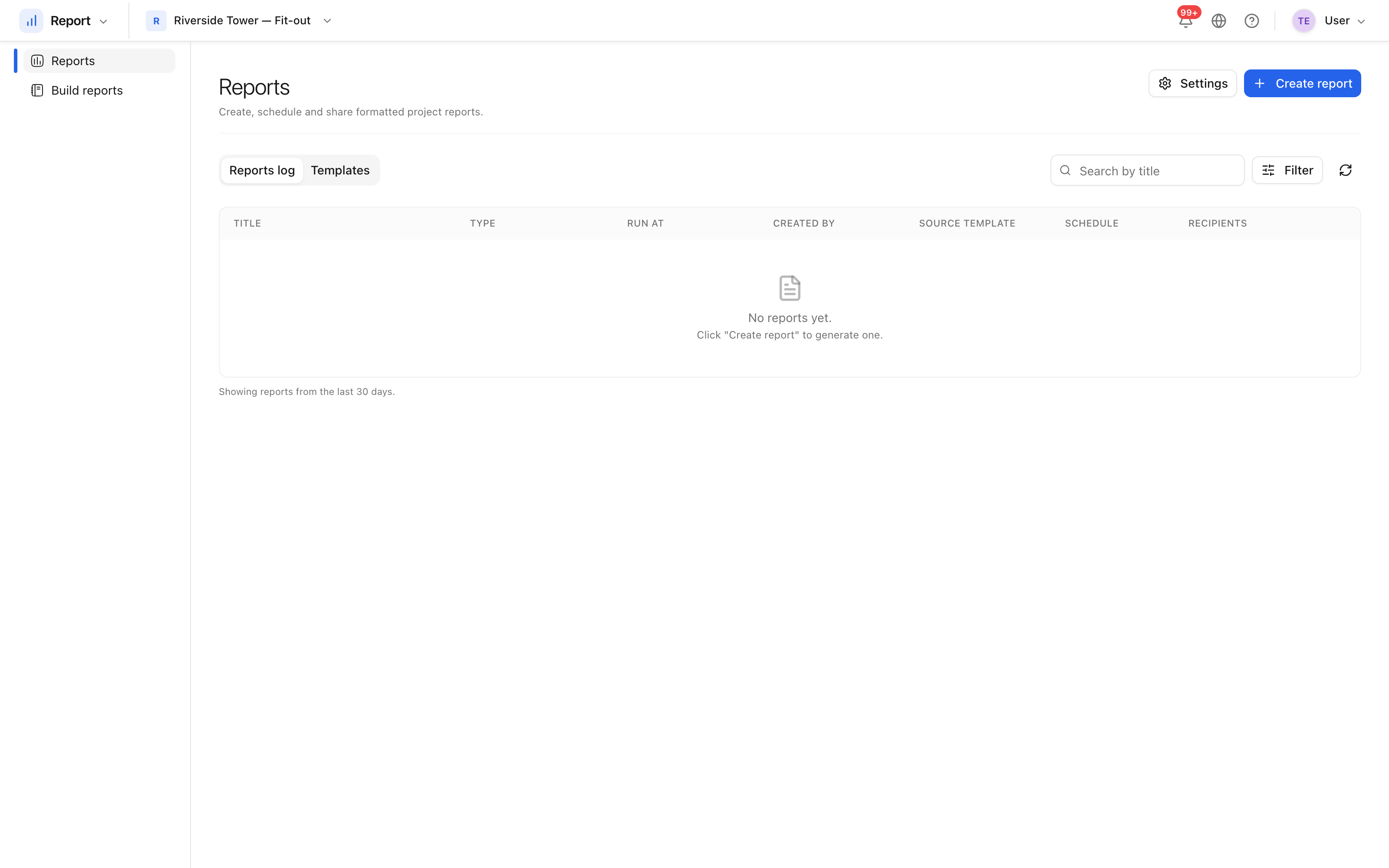
- On demand — choose a template, set the range, generate. The report appears in the list when it is ready, as PDF or XLSX.
- Scheduled — the same report on a recurrence, delivered to a distribution list without anybody remembering to run it.
A report that fails says so, and tells whoever asked for it.
Templates
A template fixes what a report contains and how it is laid out. Projects start with out-of-the-box templates for the common reports; a project can add its own.
Where reports appear
Reports has two homes, deliberately:
- Report as its own module, for reporting across the project and the portfolio.
- Build → Reports, for the reports that belong to the site tools.
They are the same reports; the second is a shortcut to the ones you use while working in Build.