
Bridge connects your project to another company's project so a defined slice of your information reaches them — without giving them a login to your job.
This topic includes:
Create a connection
- Open Bridge and click New connection.
- Name the connection after the company it is with.
- Choose the project on their side.
- Send it. The connection is live once they accept.
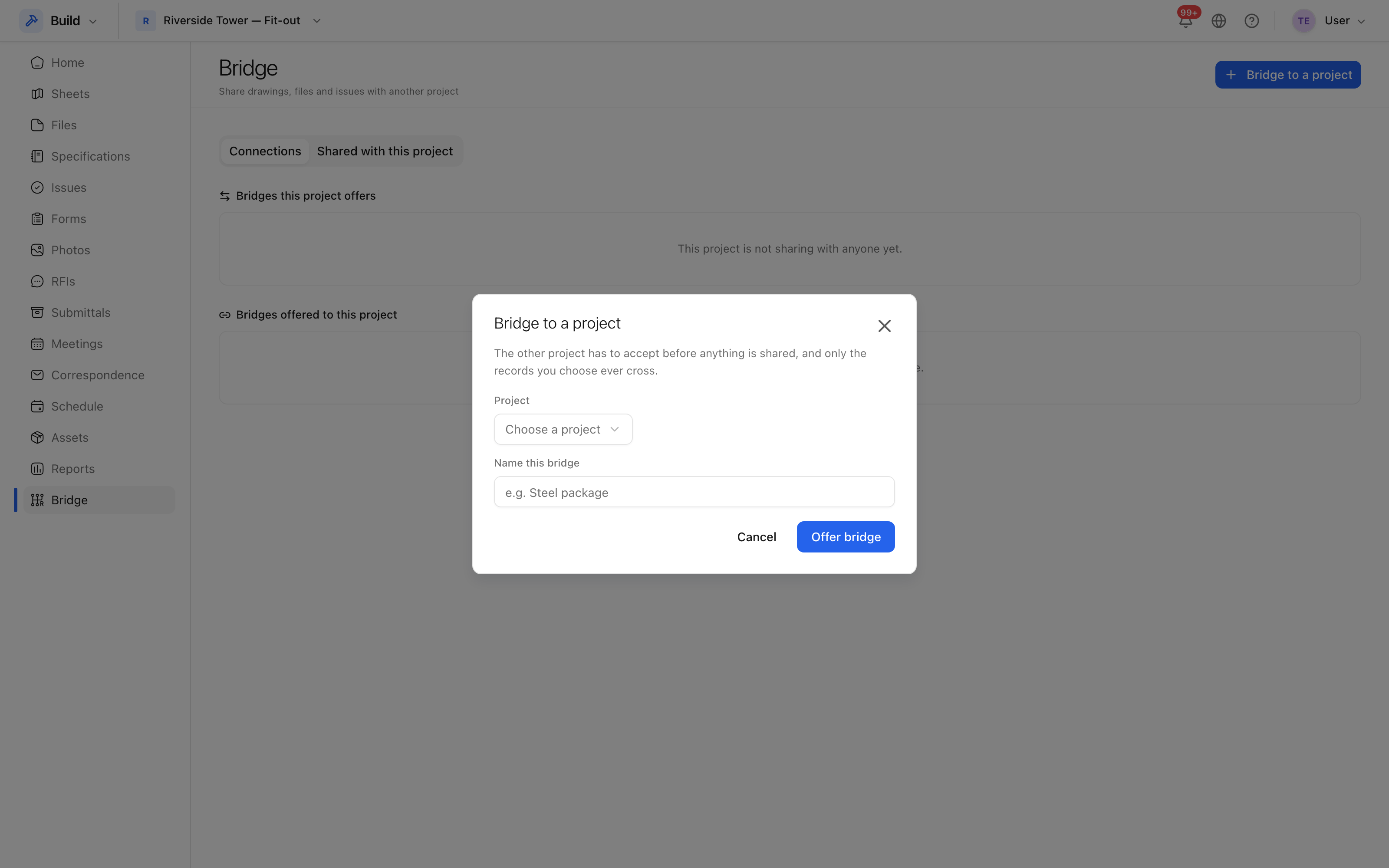 A connection is between two projects, and both sides have to agree to it.
An incoming connection arrives on their Bridge screen for them to accept or decline, which is the point: nobody is connected to your project without somebody on each side agreeing.
Share something
With a connection in place, share what they need — a folder of drawings, a specification set, a group of sheets. Sharing is per item, not per project.
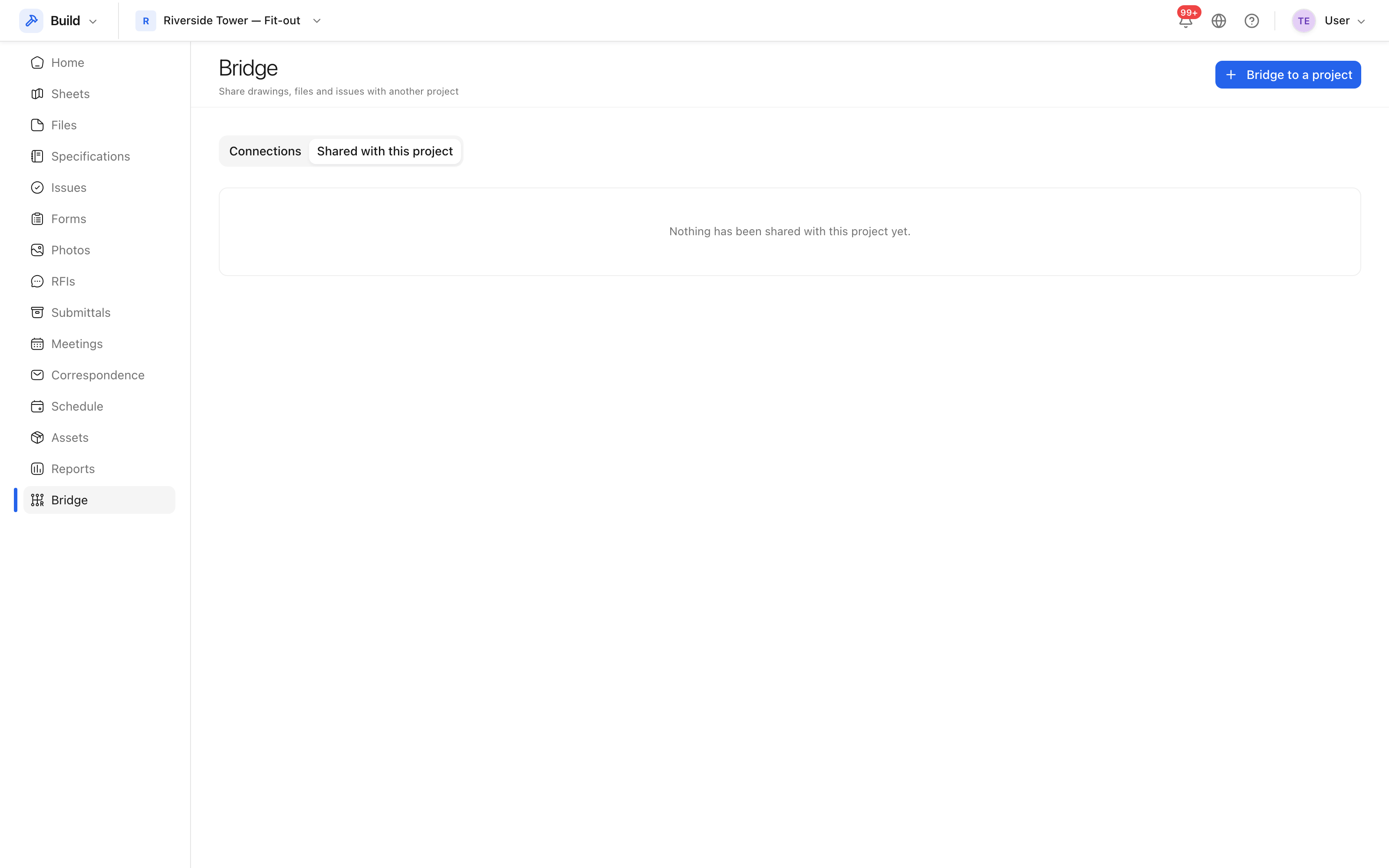 Everything shared over each connection, and in which direction.
Unsharing takes it back. What they have already downloaded is theirs, as it would be with an email, but the live link stops.
What the other side sees
Only what you shared, and only in their own project. They do not get your issues, your costs, or the drawings you did not share; they cannot see your team list, and they cannot follow a link back into your project.
Tip: share a folder rather than the files in it where the contents will keep changing. New drawings dropped into a shared folder reach them without a second conversation.