
Files is the project's document store: the things that are not drawings, not photographs and not correspondence, but still have to be kept and found.
This topic includes:
Folders
Folders are created at the top of the store and hold documents directly. Build the structure around how people ask for things, not around who produced them — "Commissioning" is a folder somebody will look in; "Documents from Nordflow" is not.
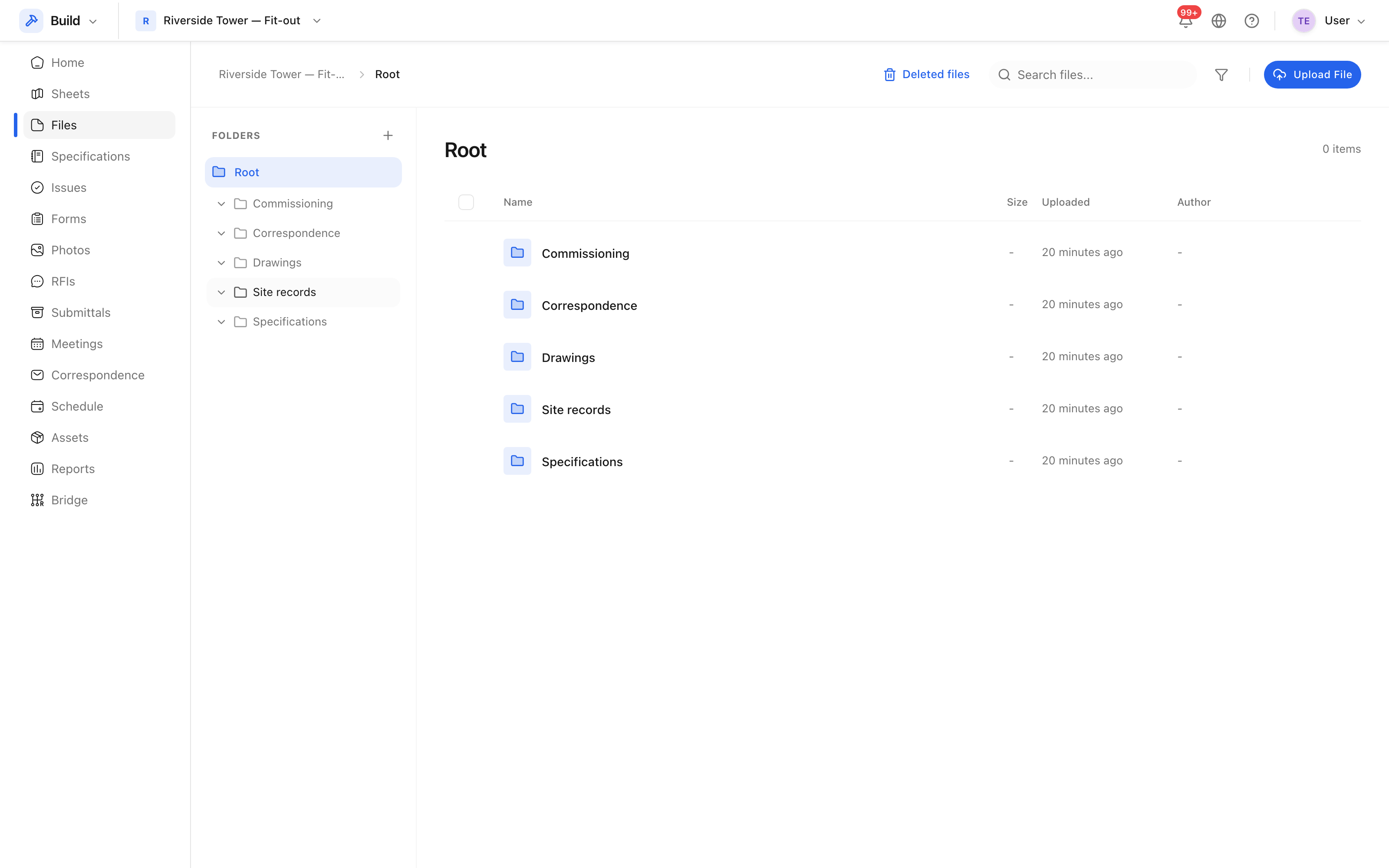 Folders down the side, documents in the folder you are in.
A workable starting set is Drawings, Specifications, Site records, Commissioning and Correspondence, then add as the job produces things that do not fit.
Upload documents
Open the folder you want and upload into it. The file name, type and size are recorded, along with who uploaded it and when.
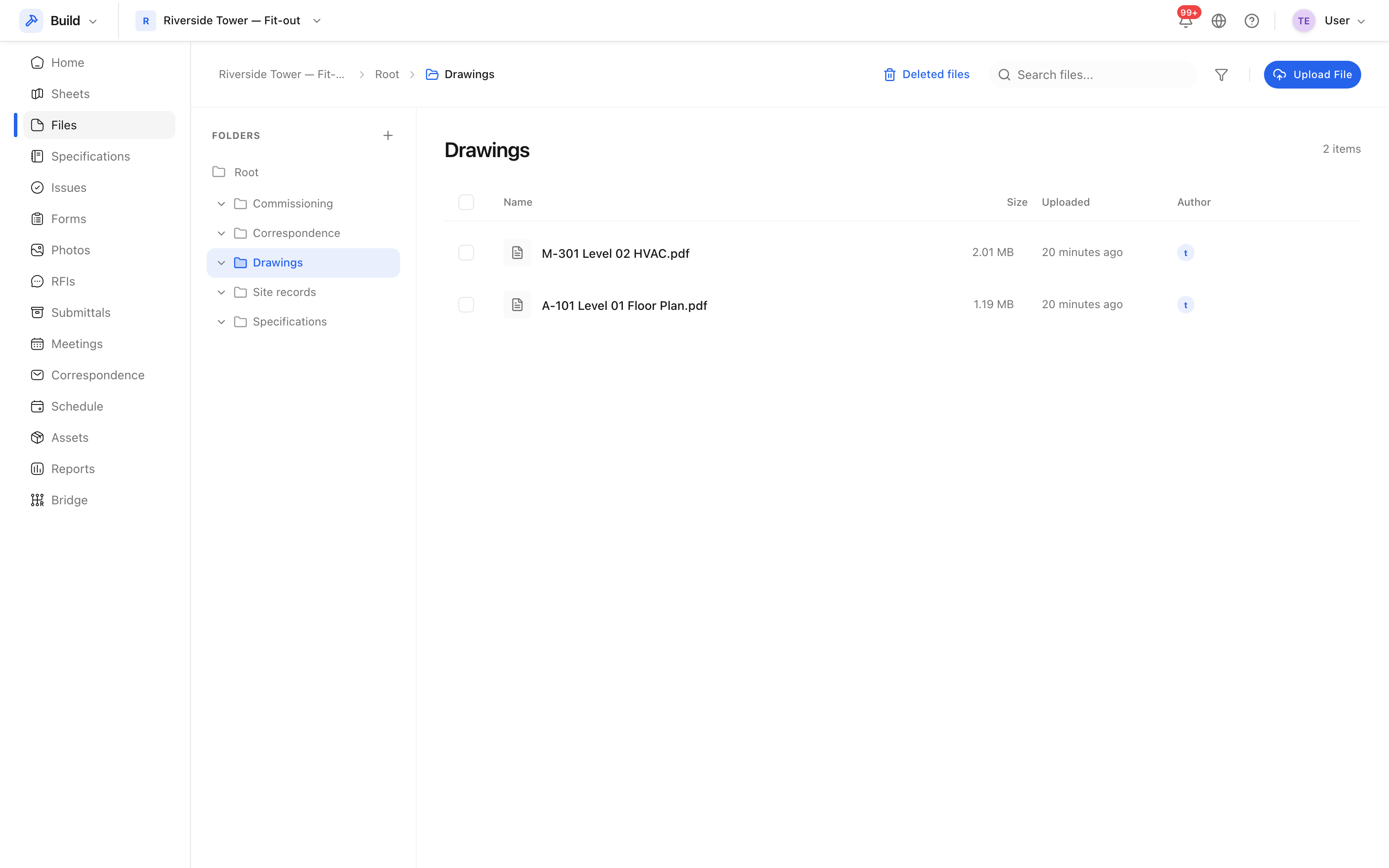 A folder's contents, with the type and size of each document.
Name files so they sort usefully: leading with a date or a document number beats a name that starts with "Final".
Move, rename and delete
Documents can be moved between folders, renamed, and deleted. Deleting sends them to the recycle bin rather than destroying them — see The recycle bin.
Tip: drawings belong in Sheets, not here. Sheets gives them revision control, markups and pins; a PDF in a folder gives you a PDF in a folder.