
Deleting in SIDABuild is reversible. Files, photos, issues and correspondence that are deleted go to that tool's recycle bin, where they can be restored.
This topic includes:
Open the bin
Each tool has its own bin, reached from that tool's toolbar — the Files bin holds deleted documents, the Issues bin holds deleted issues.
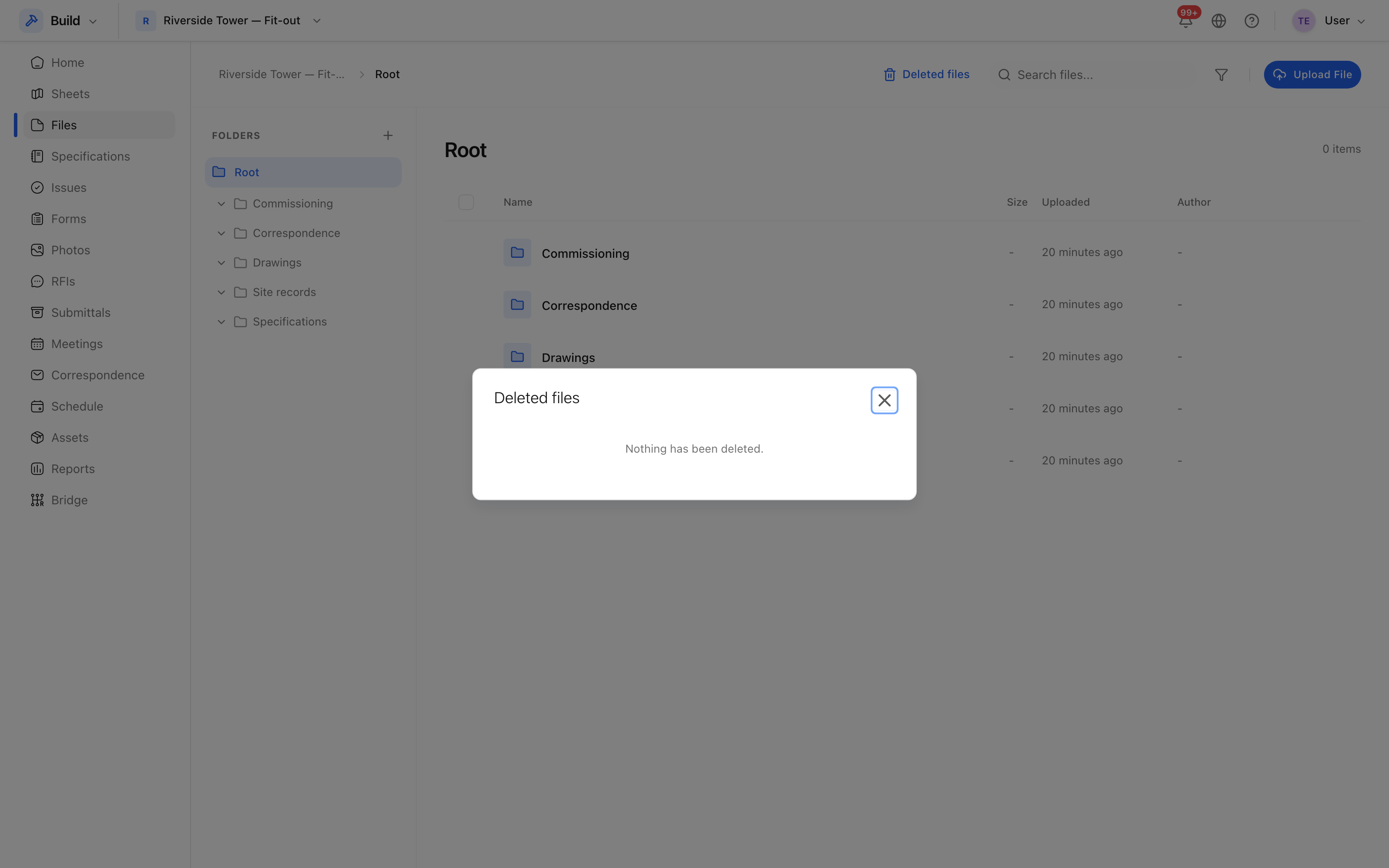 What was deleted, by whom, and when.
Restore something
Select the row and choose Restore. It returns to where it was, with its history intact. A document restored to a folder that has since been deleted comes back to the top of the store rather than failing.
Purging
Purge removes something permanently, and is not reversible. It is limited to people whose role allows deletion. Purge deliberately — to clear genuinely private material that should never have been uploaded, for example — and not as routine tidying, because the bin costs nothing to leave alone.
Which tools have one
| Tool | Deleted items go to |
|---|---|
| Files | The files recycle bin |
| Photos | The photos recycle bin |
| Issues | The issues recycle bin |
| Correspondence | Shown by toggling deleted threads back into the list |
Records in other tools — RFIs, submittals, sheets — are better voided than deleted, which keeps them in the register with their history. See Issue statuses.