
Files is the project's document store for everything that is not a drawing, a photograph or a specification: site diaries, certificates, instructions, schedules of rates.
This topic includes:
Folders
Folders can nest, and a sensible top level mirrors the job: Drawings · Specifications · Site records · Commissioning · Correspondence.
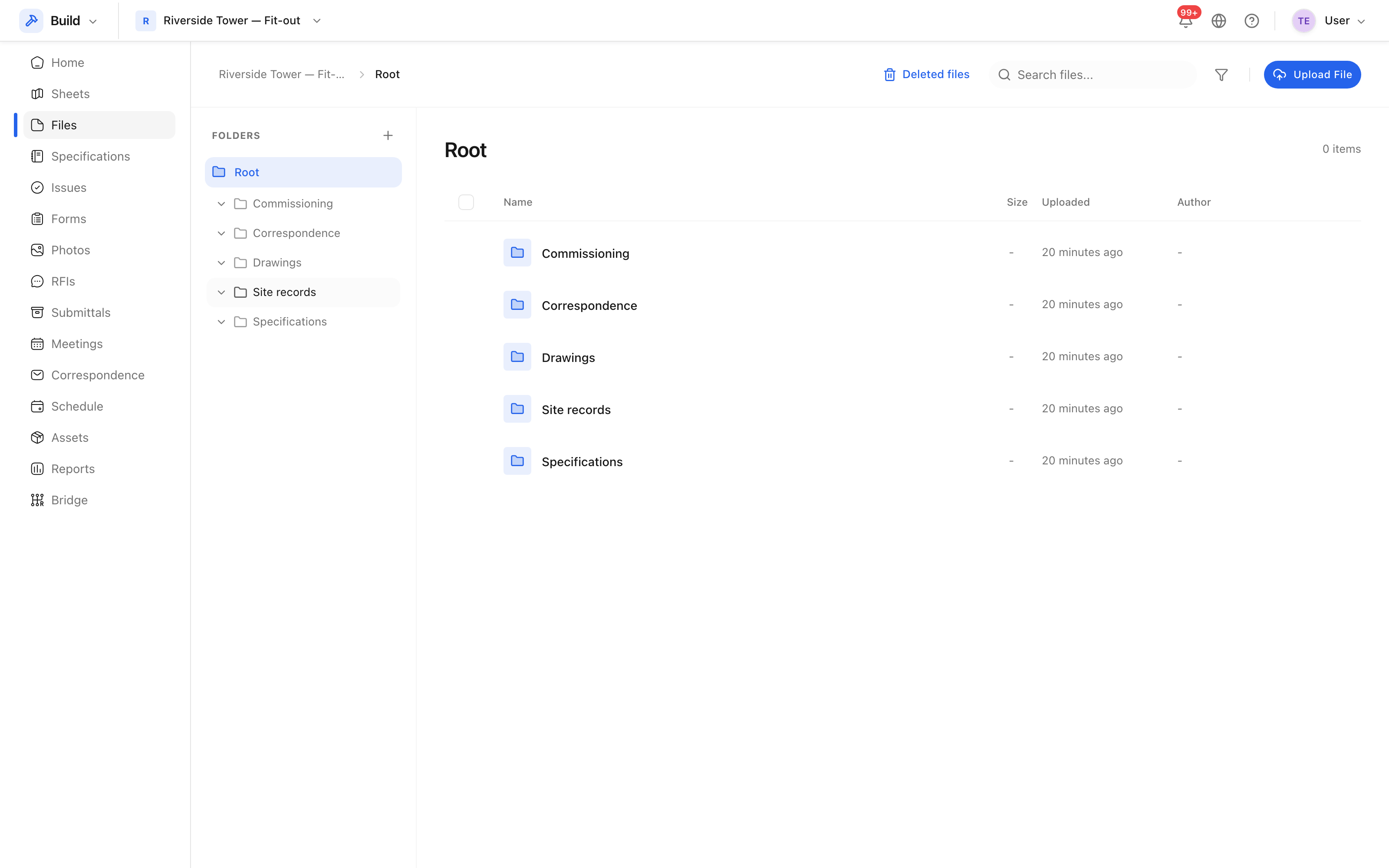 Files, organised into folders.
Upload a file
- Open Files and, if you want it in a particular folder, open that folder first.
- Click Upload File.
- Choose the file, then click Upload.
Tip: drawings belong in Sheets, not here. Sheets gives them numbers, versions, markups and pins; Files does not.
Versions
Uploading a file with the name of one already there adds a version rather than overwriting it. The previous version stays available, and the newest is what opens by default.
Deleting is a soft delete, and the recycle bin beside the tool title holds what was removed.