
This topic includes:
Your details
Open Settings. Your name, company, phone number and job title live here. Your email address is fixed — it identifies your account — and is shown but cannot be edited.
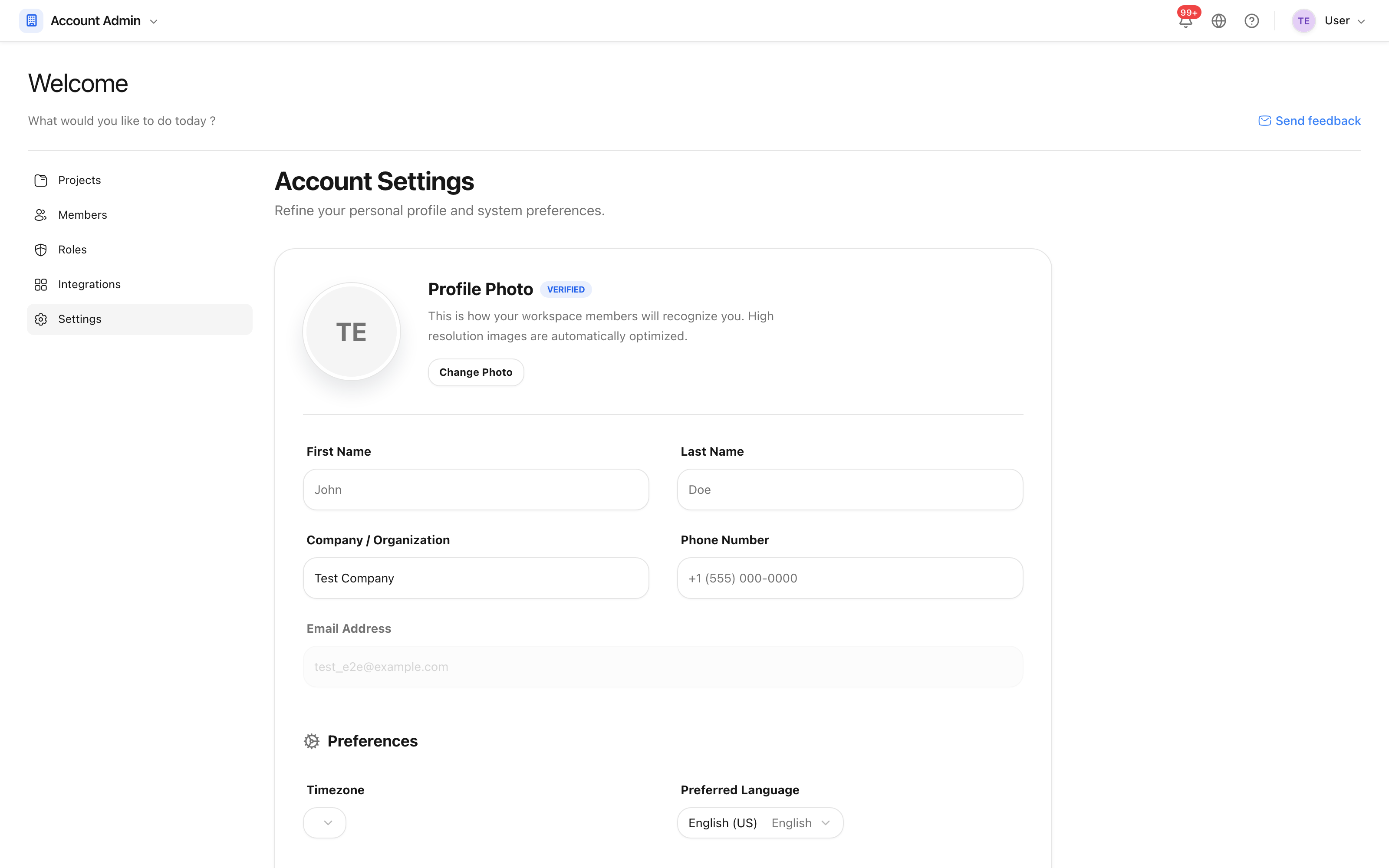
Click Synchronize profile to save.
Language and direction
Preferred Language offers English, French, Arabic and Persian. Choosing Arabic or Persian switches the whole interface to right-to-left: the navigation moves to the right, chevrons and arrows mirror, and the Arabic-script typeface loads — Noto Sans Arabic for Arabic, Vazirmatn for Persian.
The choice is stored on your profile, so it follows you to any browser you sign in from. The globe in the top bar changes the language on this device only, which is what you want on a shared site tablet.
The landing site and this help centre speak the same four languages, and links between them carry your language across.
Calendar and units
- Calendar Format — Gregorian, Islamic (Hijri) or شمسی (جلالی), the Jalali calendar. Dates you enter and dates you read use the calendar you choose.
- Metric System — metric or imperial, applied to the measurements the tools display.
- Timezone — the zone times are shown in.
Notification channels
Whether you receive email, SMS and push at all, and whether low-priority notifications are muted. These are yours: no project setting and no notification group can turn a channel back on for you.
Note: SMS needs a phone number on your profile, and push needs the mobile app signed in on a device.