
A change order is the document that moves money: a group of cost items, issued to somebody, with a status that says how far it has got.
This topic includes:
The types
| Type | Is |
|---|---|
| PCO | Potential change order — a change identified, not yet priced or agreed |
| RFQ | Request for quote — asking a supplier what it would cost |
| COR | Change order request — the priced request going to the client |
| OCO | Owner change order — the client's instruction to proceed |
| SCO | Supplier change order — your instruction to a supplier |
The sequence on a typical change is PCO → RFQ → COR → OCO, with an SCO issued downstream once the money is agreed upstream.
Raise a change order
- Open Change orders and click New.
- Choose the type and give it a number and a title. The title should say what changed, not what it costs.
- Add the cost items it covers.
- Set the contract it is against and the date a response is needed by.
- Save.
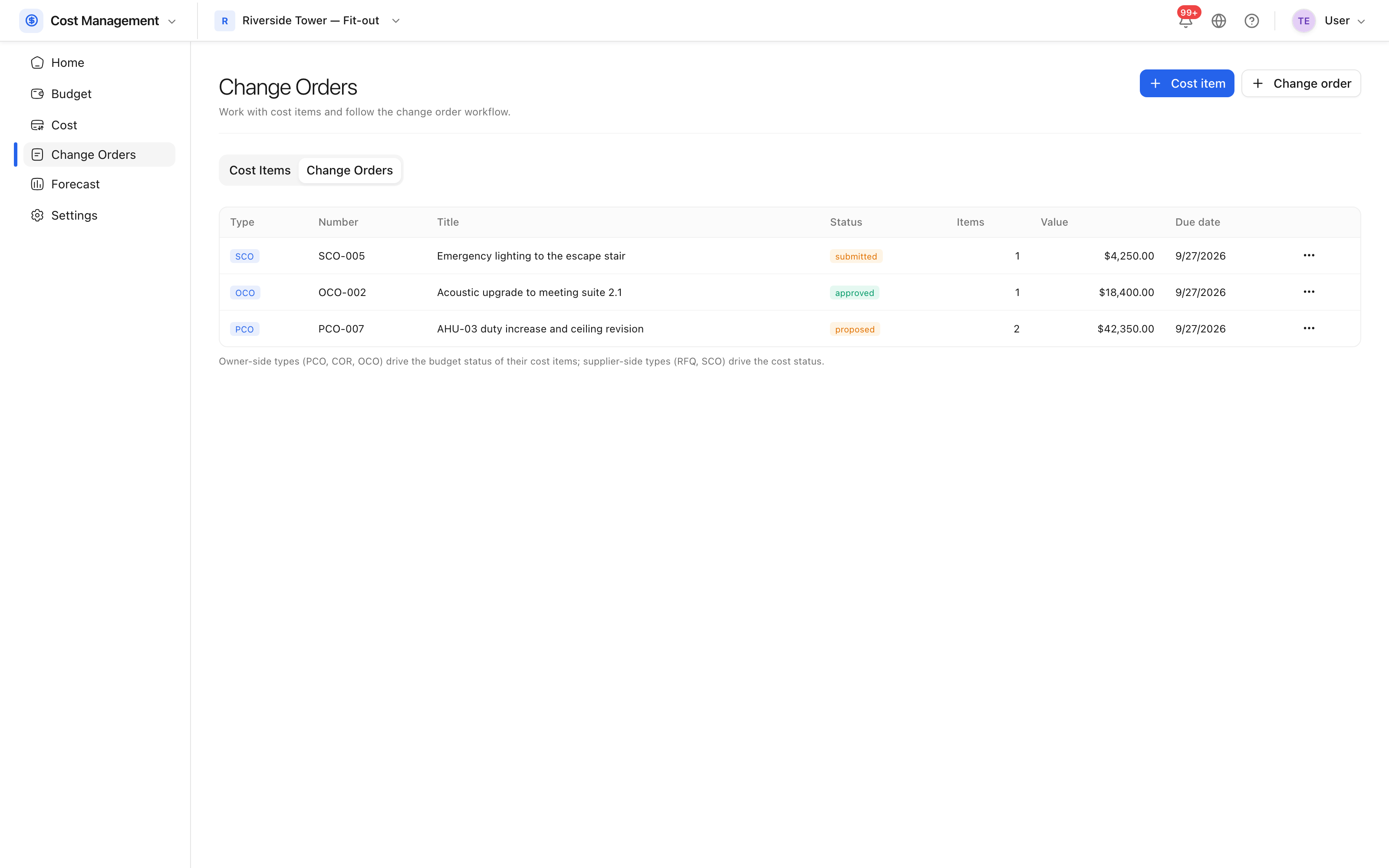 Change orders on the project, with their type, value and status.
A change order's value is the sum of its items, so the value changes when an item is repriced rather than being retyped.
Statuses
Draft, open, submitted, pricing, proposed, accepted, revise and resubmit, approved, executed, rejected, void. The two that count for the budget are approved — which is when the money reaches the revised budget — and executed, which is when it is contractually done.
Tip: a change that is being worked on but not yet agreed belongs in a PCO, not in an amended budget line. That is what keeps the original budget an honest baseline.