
A programme on its own says what is planned. Against a baseline it says whether the job is early or late, activity by activity.
This topic includes:
Set a baseline
Open the versions tab, find the version to measure against — normally the contract programme — and mark it as the baseline. It stays the baseline until you change it, which should be rarely and deliberately: a baseline that moves every month measures nothing.
Read the variance
The variance tab lines each activity in the current version up against the same activity in the baseline, matched by activity id, and shows the difference in start and finish dates.
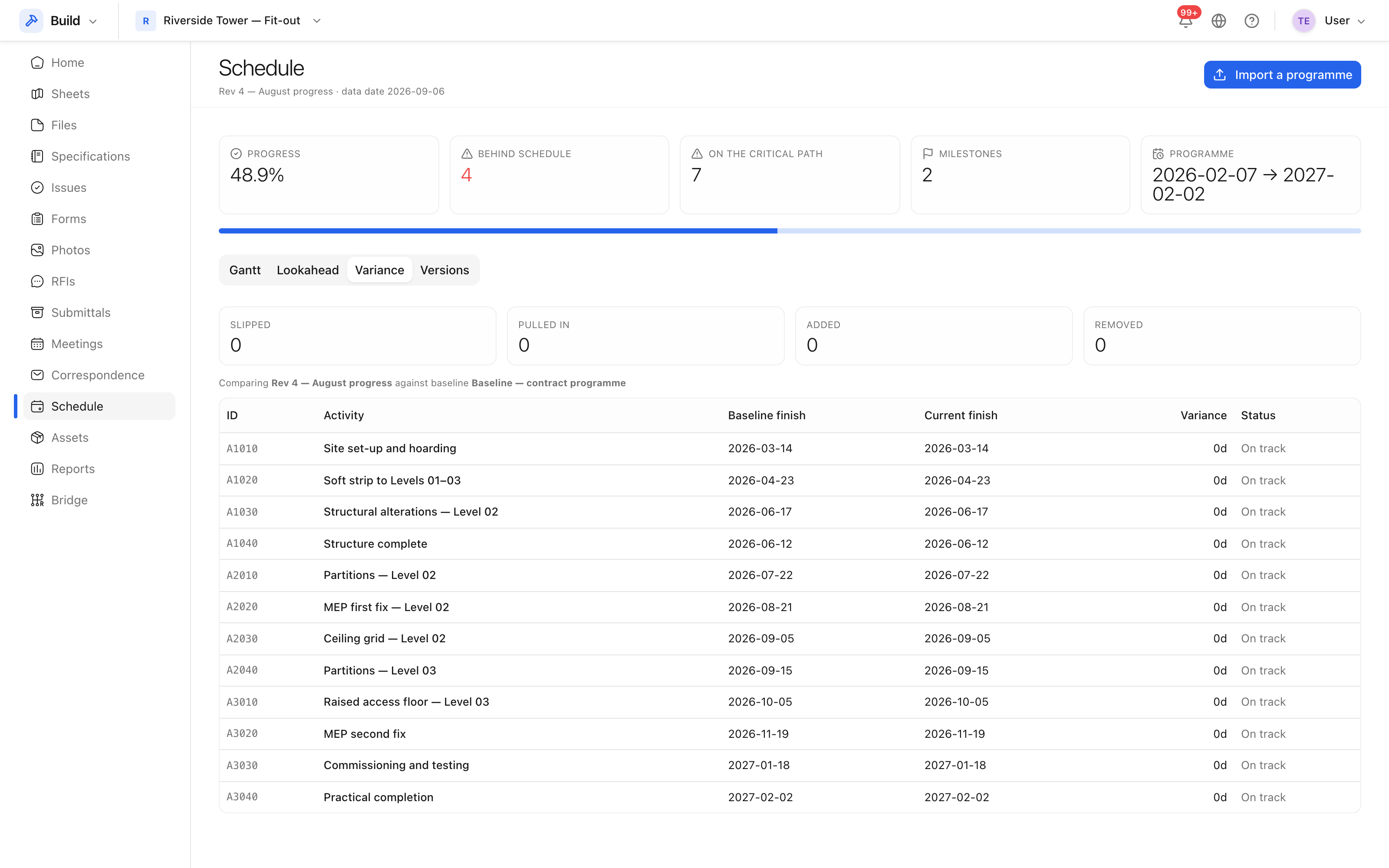 Each activity against its baseline dates, and the difference in days.
An activity that appears in one version and not the other is listed as such rather than being silently dropped — new work and removed work are both things worth seeing.
What to do with it
Read the variance on the critical activities first, then on anything that has moved by more than its float. A slipped activity that is nobody's action is usually a slipped activity that has not been discussed yet: raise it as an issue or as a minute against the next meeting so it has an owner.
Insight reports the headline of this — time elapsed against work complete — for the project as a whole. See About Insight.