
A register of four hundred drawings is only useful if you can get to the one you want. Disciplines, tags and the search box do that work.
This topic includes:
Discipline and tags
Every sheet carries a discipline — Architectural, Structural, Mechanical,
Electrical — set during publishing and editable afterwards. Tags are free text
on top of that, for the groupings your project actually asks about: Level 02,
Tender, As-built.
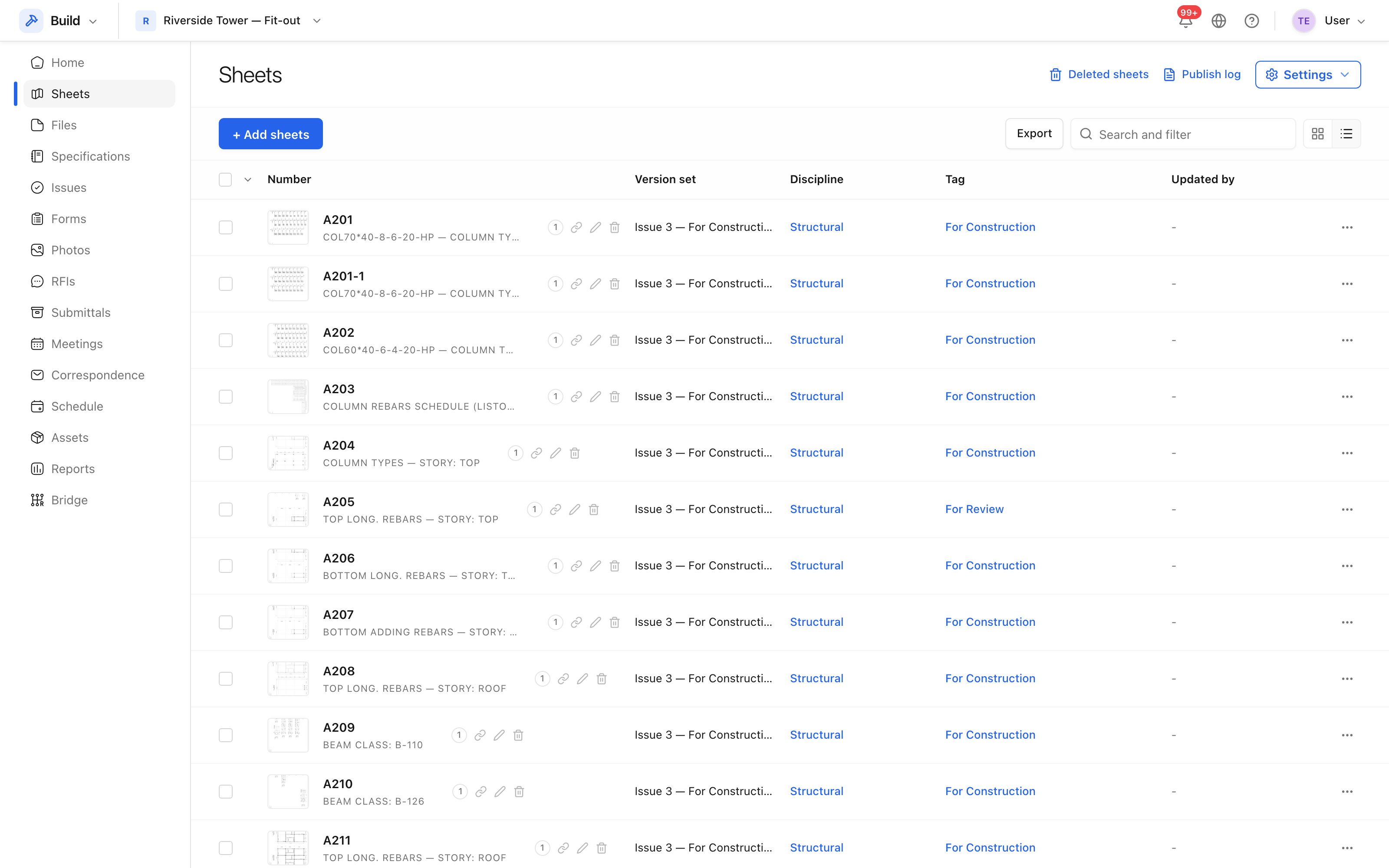 Number, title, discipline and current revision, with the filters above.
Set the discipline for a whole set at step four of the publish wizard rather than sheet by sheet afterwards.
Find a sheet
The search box matches the sheet number and the title, so both A-102 and
Level 02 reach the same drawing. Combine it with the discipline filter to cut
a large register down to the handful you are working with.
Keeping numbering consistent
The wizard reads the number out of each drawing's title block, so consistency starts upstream in the drawing office. Where it reads one wrong, correct it at step three of publishing — the corrected number is what the register, the pins and every reference elsewhere will use.
Tip: publishing a drawing with a number that already exists adds a revision to that sheet rather than creating a second one. That is usually what you want; when it is not, the number is the thing to change.