
Opening a sheet from the register gives you the drawing full-size, with its revision history, its markups and anything pinned to it alongside.
This topic includes:
Open a sheet
Click the sheet number or its thumbnail in the register.
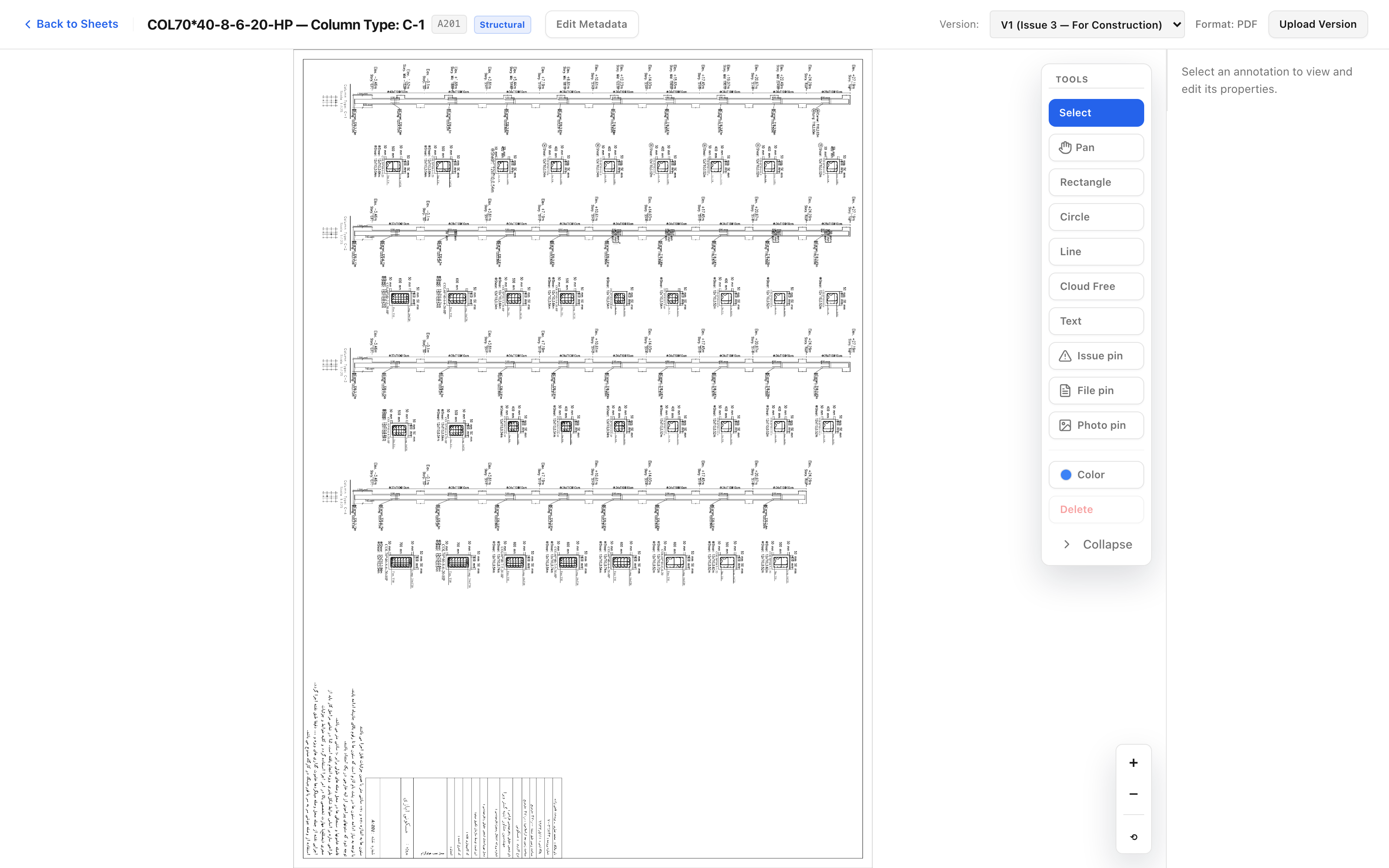 The current revision, with the tools for markups and pins alongside it.
The sheet opens at the current revision. Which revision that is comes from the version set it was published in — see Work with versions.
Move around the drawing
- Zoom with the scroll wheel, or the zoom controls.
- Pan by dragging.
- Fit returns the whole sheet to the screen when you have lost your place.
Large drawings are tiled as you zoom, so a full-size A0 opens quickly and sharpens as you go in.
What sits alongside the drawing
| Alongside | What it is |
|---|---|
| Versions | Every revision published, newest first |
| Markups | Clouds, text and shapes drawn on the sheet |
| Pins | Issues, RFIs and assets placed at a point on the drawing |
A pin is the link between the drawing and the work: clicking one opens the issue or RFI it stands for, which is what makes "the crack by grid C4" findable by somebody who was not on the site walk.