
The dashboard answers "what state is this job in?" in a single screen, without opening the tools one at a time.
This topic includes:
What is on it
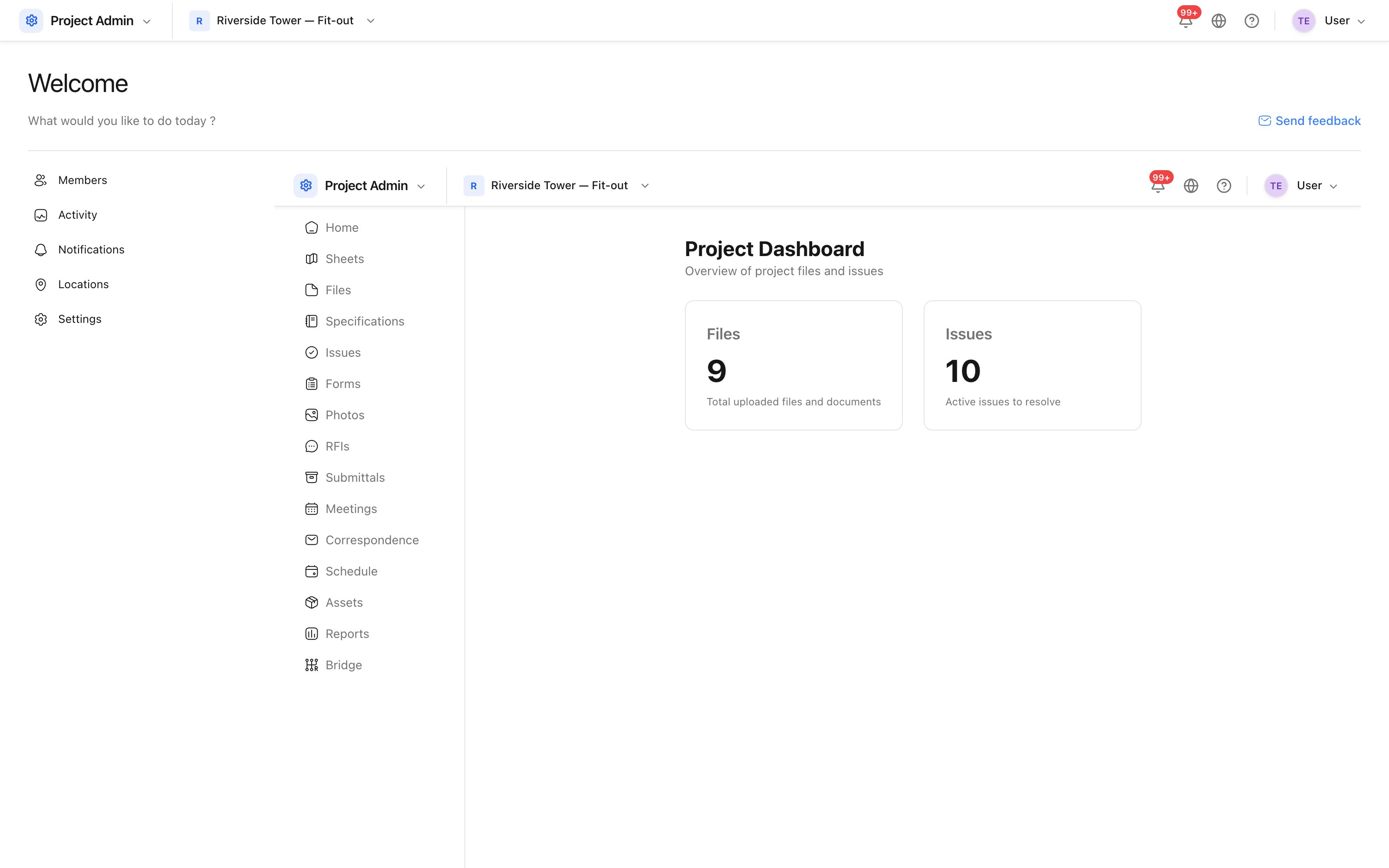 Counts across the project, with each one a way into the tool behind it.
The cards cover the two counts most often asked for in a progress meeting — issues still to resolve, and documents held on the project — and each is a link into the tool that owns it.
The project home screen adds to this: assigned work, recent activity and, where the project has an address, the weather forecast for the site.
Where the numbers come from
Every figure is live, and is the same figure the tool itself would show:
- Active issues counts issues that are not closed, across all locations.
- Files counts documents in the project's folders, excluding anything in the recycle bin.
There is nothing to refresh or recalculate. If a number looks wrong, open the tool behind it and check the filters there — a count that disagrees with a list is nearly always a filter left on in the list.