
A workspace is your company's area of SIDABuild. It owns the projects, the member list, the roles those projects hand out, and the plan everything is billed against.
This topic includes:
Create a workspace
- Open Workspaces from the account menu.
- Click New workspace.
- Give it a name — usually the company or division name — and a short description.
- Click Save.
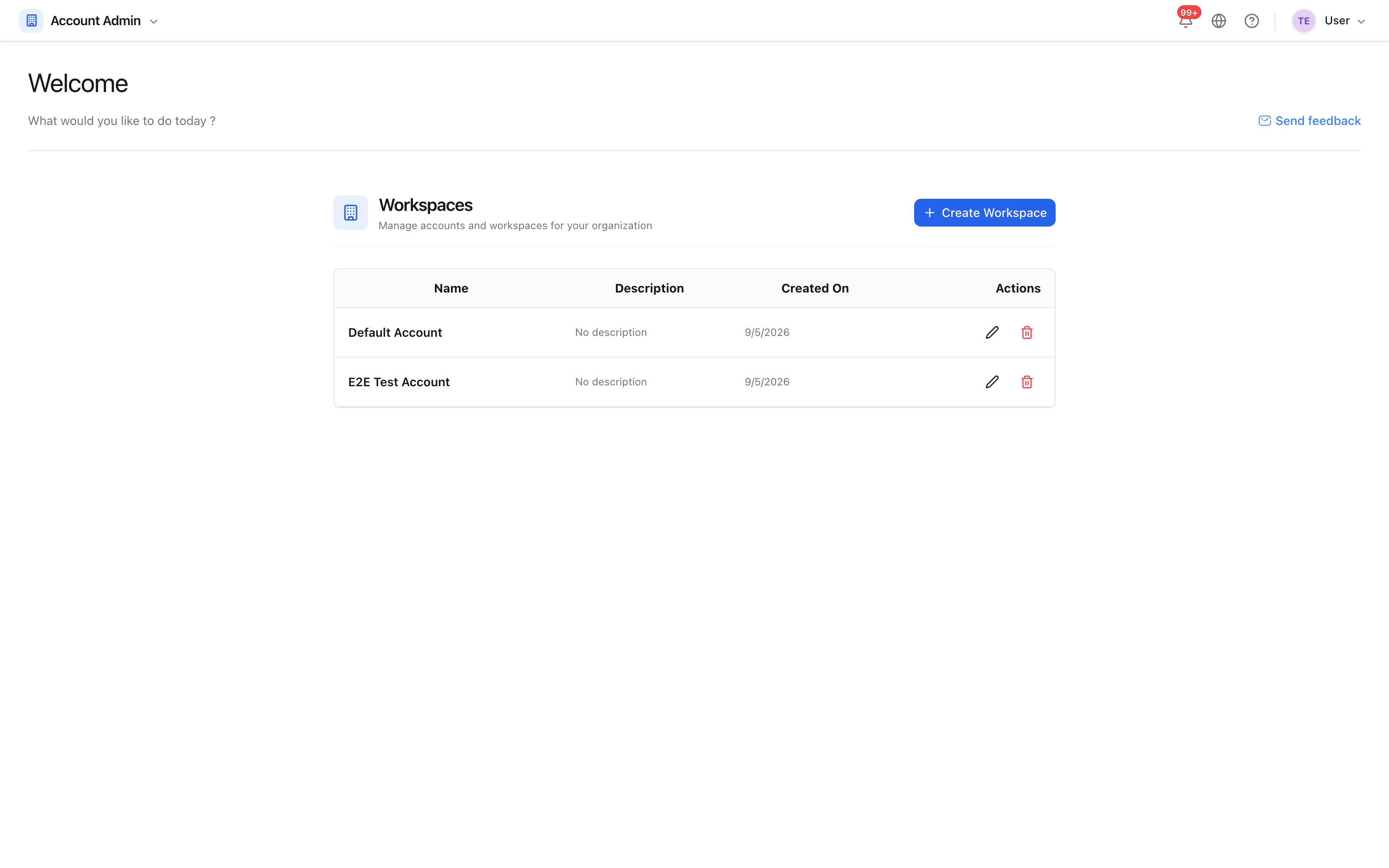 Workspaces are listed with the date each was created.
Most companies need exactly one. A second is worth having when two parts of the business must not see each other's projects, since separation between workspaces is total.
Rename or edit one
Use Edit on the row, change the name or description, and save. Renaming is safe: projects, members and permissions are unaffected.
Deleting a workspace
Deleting is offered in the workspace's own Danger zone and is confirmed twice, because it takes the projects with it. Before deleting:
- Check nothing in it is still needed — deletion is not a recycle-bin operation.
- Move any project you want to keep, or export what you need from it.
Note: the plan is attached to the workspace. Deleting one does not cancel a subscription — see Billing and plans.