
The activity log is the project's audit trail: who did what, and when, in chronological order. It is the screen to open when a drawing changed and nobody remembers changing it.
This topic includes:
Read the log
Open Projects → Activity. The newest entry is at the top. Each line names the person, the action, and the time it happened.
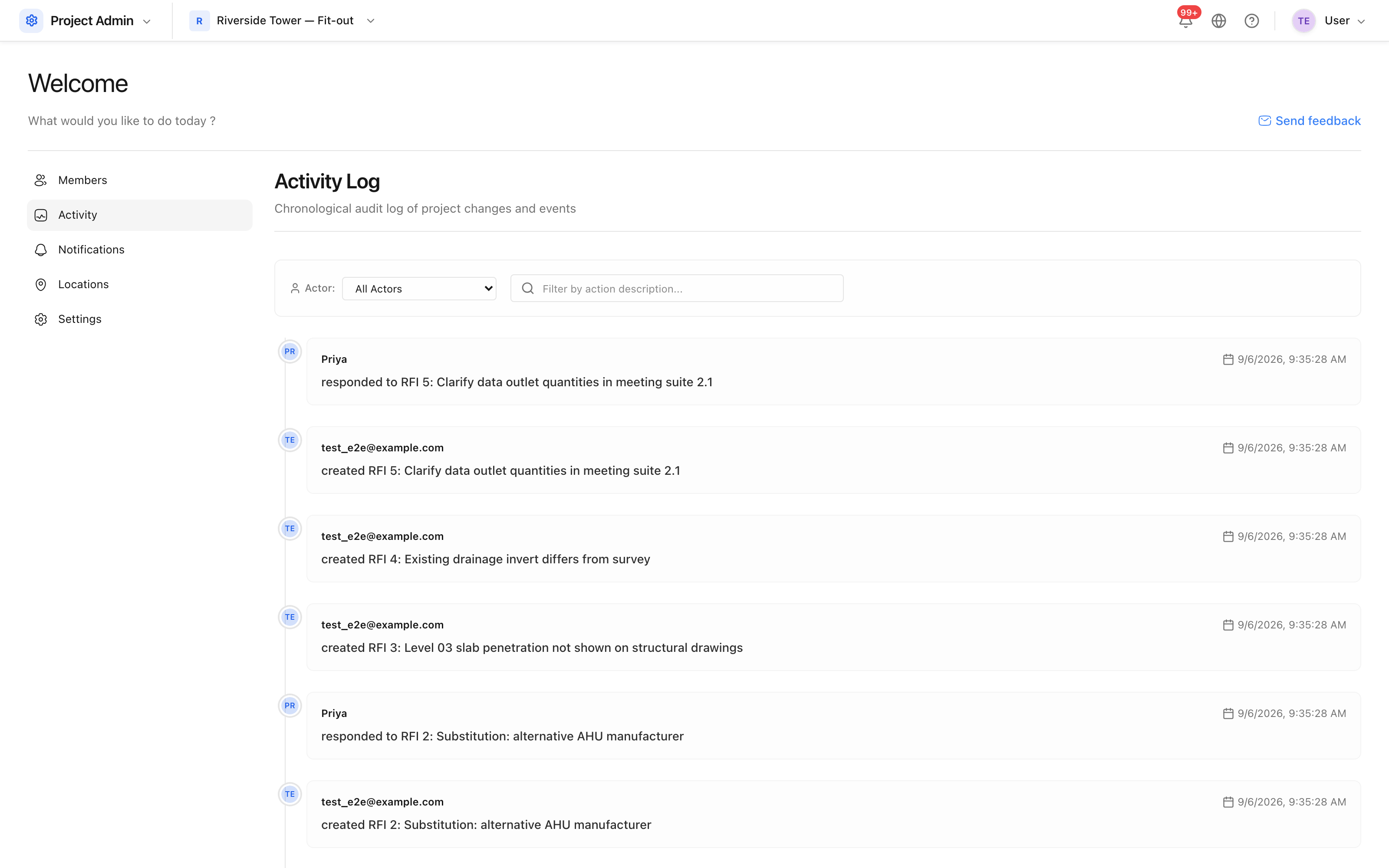 Every recorded change on the project, newest first.
Filter it
Two filters narrow it down:
- Actor — one person's activity only.
- Action description — free text, matched against what was recorded, so
typing
deletedfinds deletions.
Use them together to answer a specific question quickly: what did this subcontractor's document controller change last week?
What is recorded
The log records events, not keystrokes: records created, changed, deleted and restored, along with the person and the moment. It is written by the product itself, so entries cannot be edited or removed from the interface.
It is not a version history — to see how a drawing looked two revisions ago, use Work with versions; to recover something deleted, use The recycle bin.