
SIDABuild holds one account per company, and a project for each job that company runs. Everything else — a drawing, an issue, an RFI, a photograph — belongs to exactly one project, which is what keeps two jobs from bleeding into each other.
This topic includes:
Accounts, projects and members
An account is your company. Inside it:
- Projects are the jobs. A project has a type, a status, an address and a set of dates, all set under Project Admin → Settings.
- Members are the people on a project. Somebody can be on your account without being on every project.
- Roles decide what a member may do. A role is defined once on the account and then given to members project by project.
Note: being an account administrator does not put you on a project's member list. It lets you reach the project; it does not make you a recipient of its notifications.
Modules and tools
The switcher at the top left moves between modules:
- Build — the day-to-day site tools: Sheets, Files, Specifications, Issues, Forms, Photos, RFIs, Submittals, Meetings, Correspondence, Schedule, Assets, Reports and Bridge.
- Report — scheduled and on-demand reports across the project.
- Cost Management — budget, contracts, change orders, expenses and payments.
- Insight — what the other tools add up to: overdue work, ball-in-court, backlog trend, and a portfolio view across projects.
- Project Admin and Account Admin — members, roles, locations, notifications and settings.
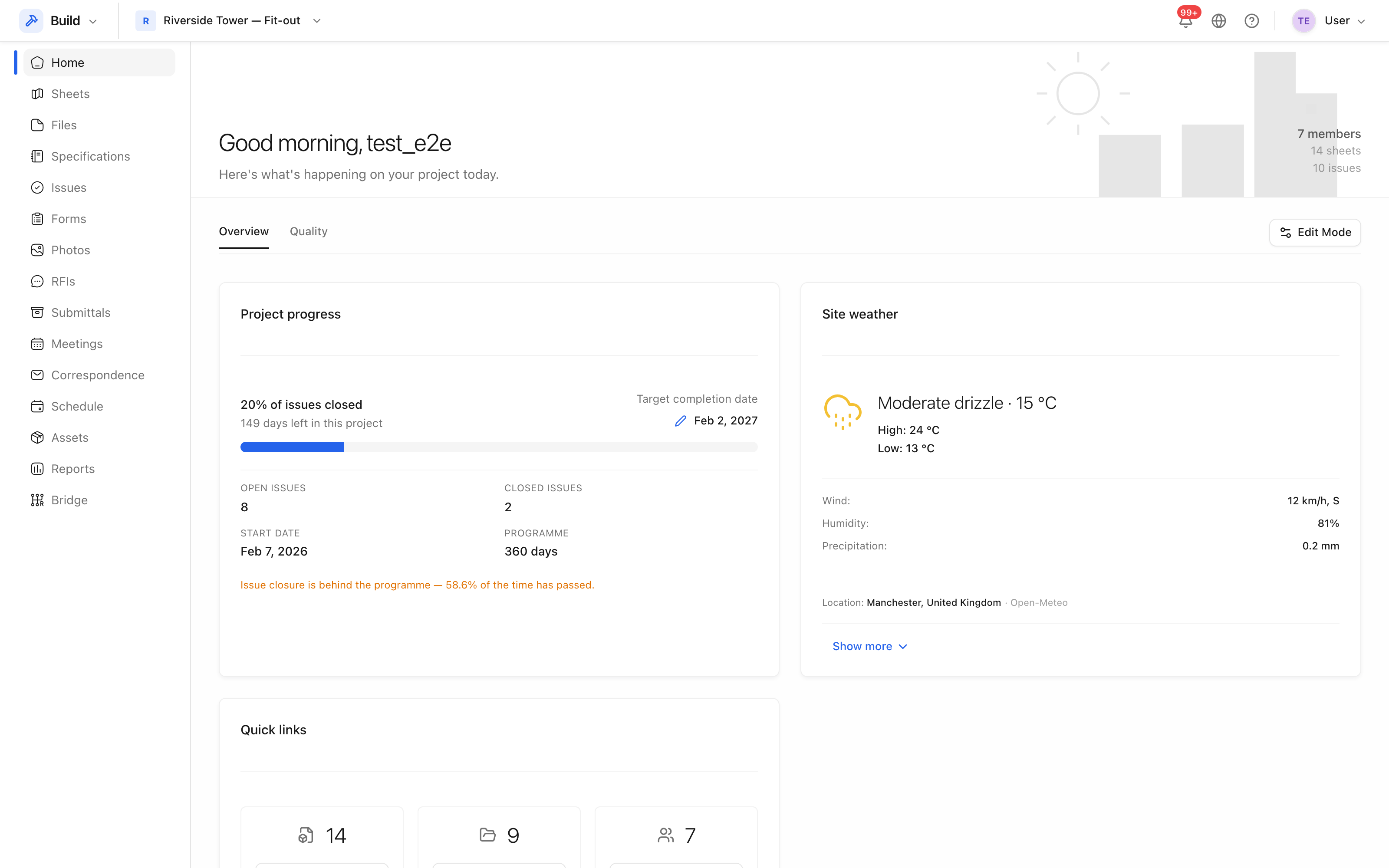 Project Home. The tool list on the left is the Build module; the switcher at
the top left changes module.
Project Home. The tool list on the left is the Build module; the switcher at
the top left changes module.
What a location is for
A location is a place in the building — a level, an area, a room — arranged as a hierarchy under the project. Issues, photos and assets are filed against a location, which is what makes "every open issue on level 3" a question the project can answer. See Locations.