
Everything you do sits inside a workspace — your company's area of SIDABuild. Projects belong to the workspace, people are invited to the workspace, and the plan is billed to the workspace.
This topic includes:
Signing in
- Go to your SIDABuild address and enter the email you were invited with.
- Enter your password and click Log in.
- The first screen is your project list — the projects in this workspace that you have been added to, not every project the company runs.
If you have never signed in, use the link in your invitation email to set a password first. New accounts are asked to verify the email address; until you do, some invitations cannot be accepted.
What a workspace holds
| In the workspace | Meaning |
|---|---|
| Projects | Each one has its own drawings, issues, cost and team |
| Members | Everyone who can be added to a project |
| Roles | The permission sets projects hand out |
| Plan and usage | How many projects and sheets the plan allows |
One person can belong to more than one workspace — a consultant working for two main contractors, for example. Switch between them from Workspaces in the account menu.
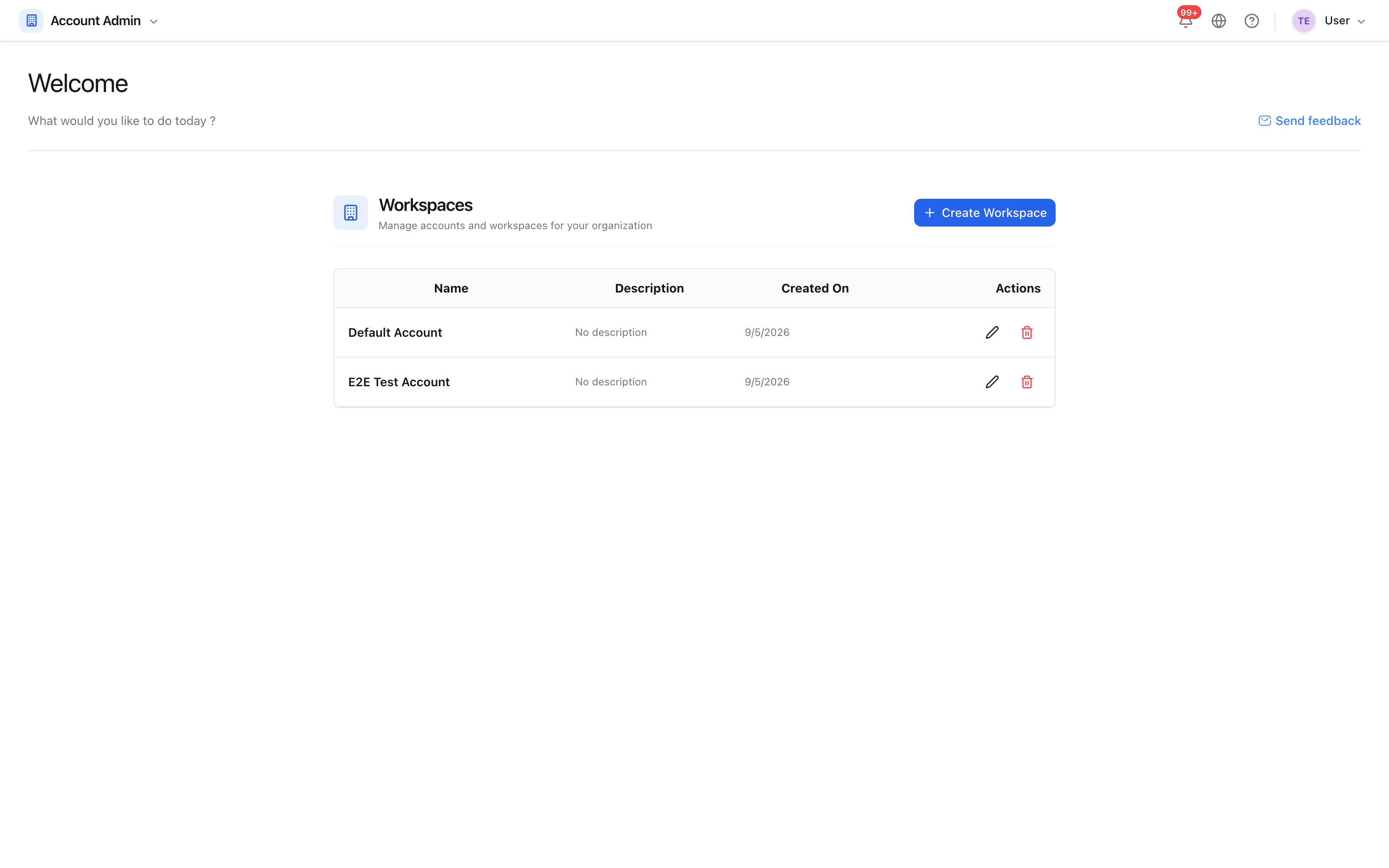 Each workspace is a separate company area with its own projects and members.
If you cannot get in
- The password is refused. Use Forgot password on the login screen; the reset link is sent to the address you signed up with.
- You can sign in but see no projects. You are in the workspace but have not been added to a project yet. Ask a project administrator to add you — see Add project members.
- The invitation link has expired. Ask for it to be sent again; links are single-use.