
Two housekeeping screens sit behind the Issues register: the settings that define its categories, types and root causes, and the bin that holds what has been deleted.
This topic includes:
Issue settings
Open the settings from the Issues toolbar.
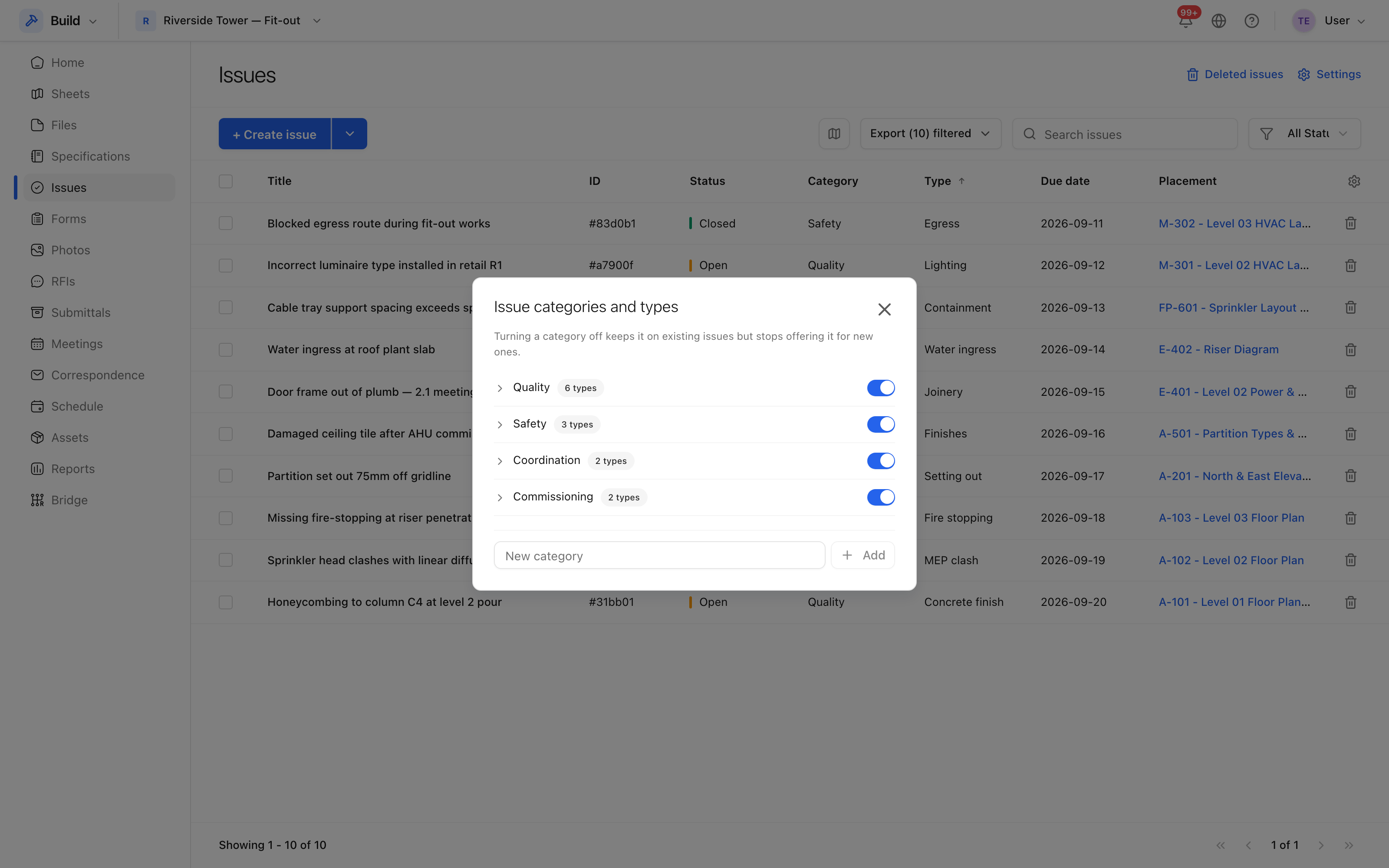 Categories, types and root causes, defined once for the project.
Everything defined here is per project, and appears in the dropdowns when an issue is created. Set them up before the first site walk: retrofitting a category onto three hundred existing issues is a long afternoon.
- Categories and types — what kind of issue it is. See Issue categories and types.
- Root causes — why it happened. See Issue root causes.
The issues recycle bin
Deleted issues go to the bin rather than disappearing.
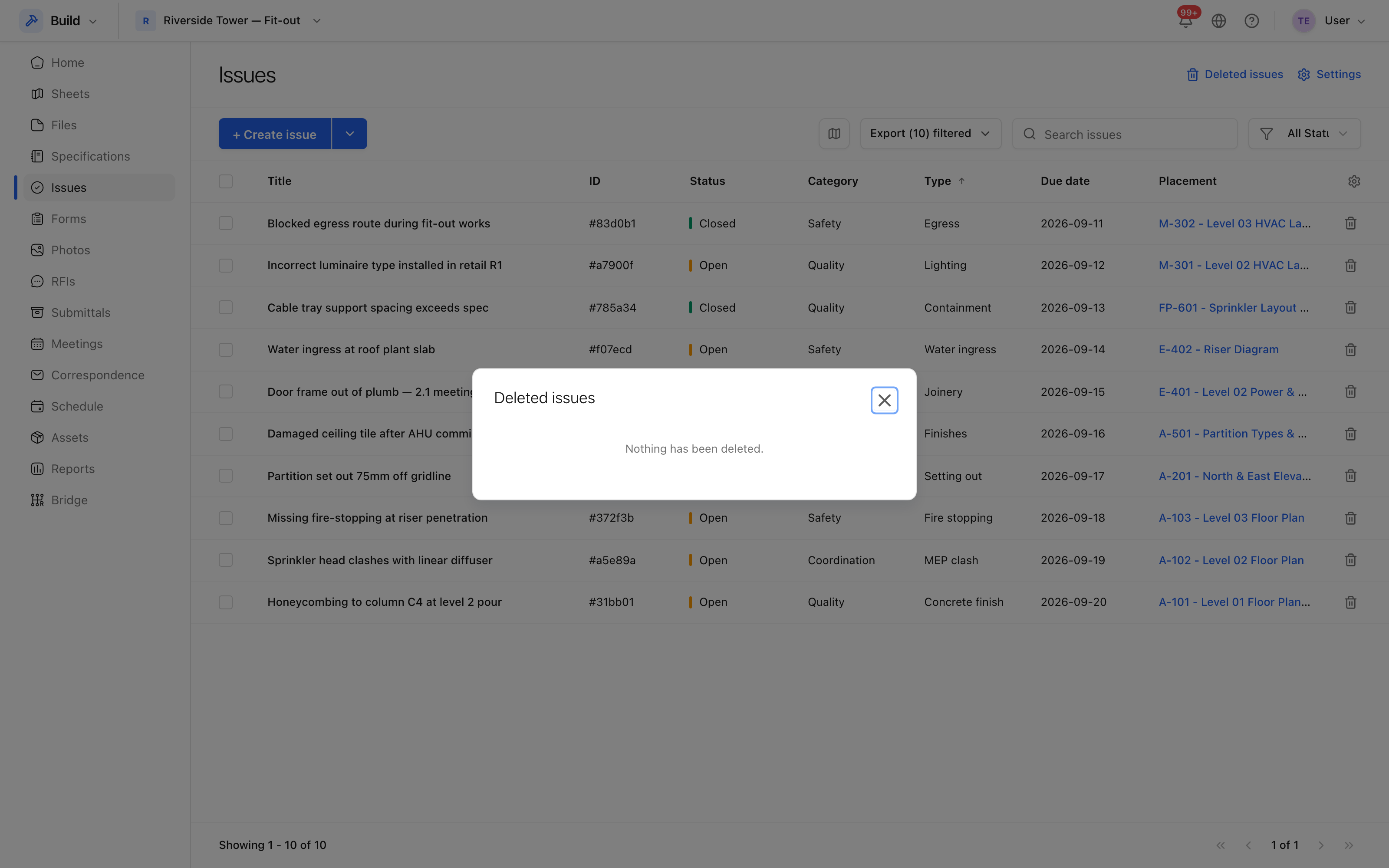 What has been deleted, who deleted it, and when.
From here you can Restore an issue — it returns to the register with its history — or Purge it, which is final. Only somebody with the permission to delete can purge.
Delete or void?
Prefer Void. A voided issue stays in the register, stays searchable, and still shows who raised it and why it came to nothing; a deleted one is out of sight, and after purging it is gone. Delete is for genuine mistakes — a test issue, or one raised on the wrong project.